
Overview
This article provides a detailed guide to smartphone integration options for vehicles, covering technologies like Bluetooth head units, smartphone mounts, OBD-II adapters, dedicated Wi-Fi, and voice command systems that enhance safety and convenience while driving. The author, an experienced mechanic, offers practical advice on selecting the right upgrades based on needs and budget, installation considerations, and the benefits of creating a connected driving experience without purchasing a new vehicle.
Table of Contents
- What is Smartphone Integration?
- Why Upgrade Your Car for Smartphone Integration?
- Bluetooth Head Units: The Heart of Connected Driving
- Smartphone Mounts: Safe Viewing at a Glance
- OBD-II Adapters: Understanding Your Car’s Language
- Dedicated Car Wi-Fi: Your Rolling Hotspot
- Voice Command Systems: Hands on the Wheel, Eyes on the Road
- Installation Considerations: DIY or Professional Help?
- Conclusion: Driving into the Digital Future
- Frequently Asked Questions
What is Smartphone Integration?
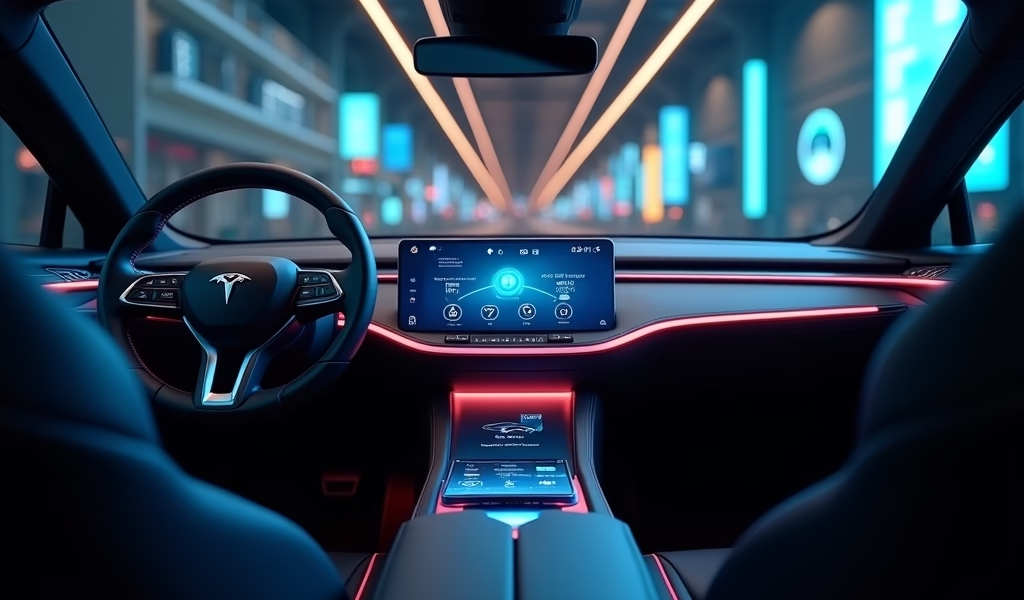
Smartphone integration represents the seamless connection between your mobile device and vehicle systems. As a mechanic who’s watched this technology evolve over 20+ years, I can tell you it’s revolutionized how we interact with our vehicles. Gone are the days when cars and phones existed in separate worlds.
Today’s smartphone integration means your vehicle becomes an extension of your digital life. From playing your favorite playlists to navigating unfamiliar streets, or even diagnosing engine problems, your smartphone and car can work together to enhance safety, convenience, and enjoyment behind the wheel.
Modern vehicles come packed with these features, but what about the millions of perfectly good cars on the road built before this technology became standard? That’s where aftermarket upgrades come in – they’re the bridge between your trusted vehicle and today’s connected world.
Why Upgrade Your Car for Smartphone Integration?
You might wonder if smartphone integration is worth the investment. As someone who’s installed hundreds of these systems and seen the difference they make, I can confidently say: absolutely. The benefits extend far beyond convenience.
Safety tops the list. Fumbling with your phone while driving is dangerous – period. Proper integration means hands-free calling, voice-controlled texting, and navigation instructions that come through your speakers. According to the National Highway Traffic Safety Administration, distracted driving claims thousands of lives annually, making these upgrades potentially life-saving.
Convenience is the next big win. Imagine never needing to punch an address into your phone while parked, or struggling to find the right playlist. With good integration, your drive becomes smoother and less stressful.
Even your wallet benefits. Many smartphone integration tools can diagnose vehicle issues early, potentially saving hundreds in repair costs. And let’s be honest – upgrading an older car costs far less than buying a new one with built-in tech.
Bluetooth Head Units: The Heart of Connected Driving
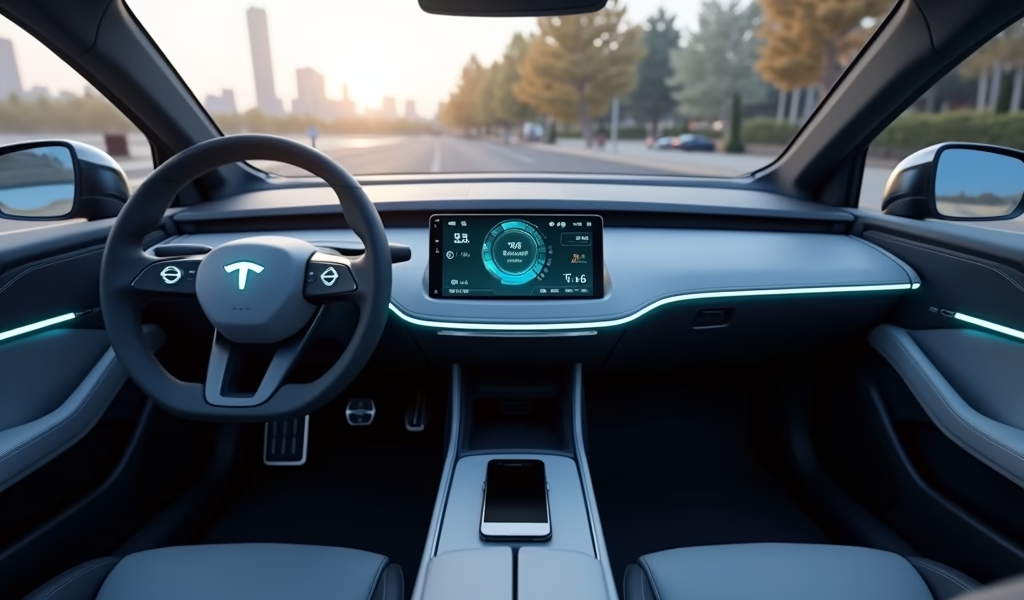
If there’s one upgrade that gives you the most bang for your buck, it’s replacing your car’s stereo with a Bluetooth-capable head unit. This single change transforms how your car and phone interact.
Modern head units do so much more than play music. They serve as command centers for your in-car experience. Entry-level models ($50-100) offer basic Bluetooth connectivity for hands-free calling and music streaming. Mid-range units ($100-300) add features like USB inputs, better sound quality, and more intuitive controls.
For those wanting the full smartphone experience, premium head units ($300-500) featuring Apple CarPlay and Android Auto essentially mirror your phone’s interface on a dashboard touchscreen. These systems let you access navigation, messaging, music, and more through a car-optimized interface designed for minimal distraction.
When shopping for a head unit, consider these factors:
- Compatibility with your vehicle (some cars have non-standard dash sizes)
- Smartphone compatibility (iOS, Android, or both)
- Available inputs (USB, auxiliary, SD card)
- Additional features (backup camera support, equalizer settings)
- Screen size and quality (if choosing a model with display)
Brands like Pioneer, Kenwood, Alpine, and Sony consistently deliver reliable products with good user interfaces. I’ve installed units from all these manufacturers and find Pioneer offers particularly good value, while Alpine excels in sound quality for audiophiles.
The right head unit provides the foundation for all other smartphone integrations. It’s like upgrading from a flip phone to a smartphone – suddenly, possibilities open up you hadn’t even considered.
Smartphone Mounts: Safe Viewing at a Glance
A quality smartphone mount is perhaps the most underrated safety upgrade you can make. I’ve seen too many drivers glancing down at phones in cupholders or, worse, holding them while driving. A good mount positions your device where you can see it with minimal eye movement from the road.
The mount market offers several mounting styles, each with pros and cons:
- Dash mounts: Stable and visible, but may leave adhesive residue
- Vent mounts: Easy installation, but can block airflow and may fall during temperature changes
- CD slot mounts: Utilize unused CD players, provide stability without adhesives
- Windshield mounts: Excellent visibility but illegal in some states
- Cup holder mounts: Keep phone accessible without adhesives but take up valuable space
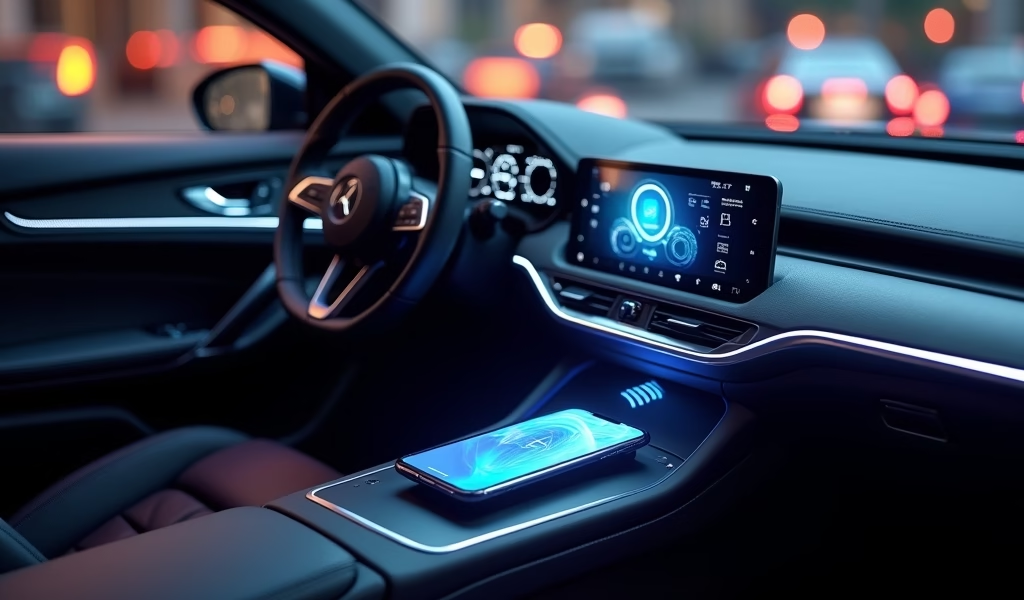
The latest innovation in mounting technology combines holding your phone with charging it. Wireless charging mounts automatically power compatible phones when placed in the cradle—eliminating cable clutter. These typically cost $30-60 but save endless frustration with tangled or forgotten charging cables.
When selecting a mount, prioritize three things: stability (it shouldn’t wobble on bumpy roads), adjustability (for different viewing angles), and ease of phone insertion/removal (you shouldn’t need two hands). Radar detector app compatibility is another consideration if you use such applications.
For most drivers, I recommend a mount that keeps your phone at dashboard level—high enough to see without looking down, but not so high it blocks your view. The iOttie Easy One Touch series strikes a good balance between quality and price ($25-40), while Kenu Airframe Pro offers exceptional build quality for a bit more.
OBD-II Adapters: Understanding Your Car’s Language
As a mechanic, I get excited about OBD-II adapters because they democratize vehicle information. These small devices plug into your car’s diagnostic port (usually under the dashboard) and connect to your smartphone via Bluetooth, translating your vehicle’s data into information you can actually use.
Every vehicle made after 1996 has an OBD-II port, making this upgrade widely compatible. Basic adapters start around $20, while more advanced models with additional capabilities range from $50-100. The real magic happens through companion apps like Torque Pro, FIXD, or Carista.
These tiny devices unlock impressive capabilities:
- Real-time diagnostics and check engine light translation
- Fuel economy tracking and driving habit analysis
- Performance measurements (0-60 times, quarter-mile speeds)
- Custom gauge displays for engine parameters
- Maintenance reminders based on actual vehicle data
I’ve seen customers save hundreds of dollars by identifying issues before they become major problems. One gentleman discovered his oxygen sensor was failing before it damaged his catalytic converter—a $150 repair that prevented a $1,200 one.
For casual drivers, simpler options like the FIXD sensor paired with their user-friendly app provide just enough information without overwhelming. Tech-savvy drivers might prefer the BlueDriver for its enhanced functionality and detailed reports. For wireless radar detector users, some OBD-II adapters can even provide power to these devices.
Beyond the practical benefits, there’s something satisfying about understanding what’s happening under your hood. It’s like having a conversation with your car in a language you both understand.
Dedicated Car Wi-Fi: Your Rolling Hotspot
While not essential for everyone, a dedicated car Wi-Fi system transforms long trips and commutes, especially for families or road warriors. Yes, your phone can create a hotspot, but a dedicated system offers better coverage, doesn’t drain your phone battery, and typically provides more data for the money.
These systems come in two varieties: standalone devices that plug into your 12V socket (like the ZTE Velocity or Netgear Nighthawk M1) or hardwired systems that integrate more seamlessly. Prices range from $50-200 for the hardware, plus monthly service fees from your chosen carrier.
The benefits extend beyond keeping passengers entertained:
- More reliable GPS and navigation services
- Real-time traffic and weather updates
- Ability to work remotely from your vehicle
- Software updates for connected car components
- Multiple device connections simultaneously
For professionals who work from their vehicles, reliable internet can be a game-changer. I installed a system for a real estate agent who now conducts virtual home tours from her car between showings, maximizing her productivity.
If considering this upgrade, compare carrier coverage maps for your typical driving areas. AT&T, Verizon, and T-Mobile all offer automotive plans, but coverage varies significantly by location. Also look at data packages carefully—streaming video consumes substantial data, so unlimited plans often make sense for families.
The installation is straightforward for plug-in models—literally plug and play. Hardwired systems usually connect to your vehicle’s fuse box for power, a moderately simple DIY job or a quick professional installation.
Voice Command Systems: Hands on the Wheel, Eyes on the Road
Voice command systems represent the safest way to interact with technology while driving. These systems have come a long way from the frustrating, limited voice recognition of the past.
Aftermarket options bring smart assistant capabilities to any vehicle. The Roav Viva by Anker ($50) adds Amazon Alexa to your car, while the Speak Music Muse ($70) works with multiple assistants. These typically plug into your 12V socket and connect to your smartphone via Bluetooth.
With proper voice integration, you can:
- Make calls without touching your phone
- Send and receive text messages via voice
- Control music playback and volume
- Get directions without typing addresses
- Ask general questions about weather, sports, news
- Control compatible smart home devices remotely
The safety advantages are significant. Insurance Institute for Highway Safety research shows that taking your eyes off the road for just two seconds doubles your crash risk. Voice commands help keep your attention where it belongs.
When choosing a voice system, consider how it integrates with your existing smartphone ecosystem. Android users might prefer Google Assistant compatibility, while iPhone users may want Siri integration. Many systems now work across platforms, making them more versatile than earlier versions.
For drivers concerned about road safety, combining voice commands with radar detectors with GPS can provide comprehensive awareness while minimizing distractions.
Installation Considerations: DIY or Professional Help?
After selecting your upgrades, you’ll face the question: install yourself or hire a professional? As a mechanic, I appreciate a good DIY project, but also know when to call in reinforcements.
For smartphone mounts, OBD-II adapters, and plug-in Wi-Fi devices, DIY installation is straightforward. Most people can handle these in 15 minutes or less with no special tools.
Head unit installation falls in the middle ground. If you’re comfortable with basic tools and following directions, this can be a rewarding weekend project. You’ll need vehicle-specific wiring harness adapters ($10-30), a dash kit ($10-25), and basic hand tools. Numerous YouTube tutorials walk through the process for specific vehicles.
However, don’t hesitate to seek professional help for complex installations. Professional installation typically costs $50-150 depending on vehicle complexity and system features. When wiring is involved, professionals bring experience that prevents costly mistakes like blown fuses or damaged components.
Modern vehicles with integrated dashboards or complex electrical systems particularly benefit from professional installation. Some newer cars have climate controls and vehicle settings integrated into the factory head unit, requiring special adapters and programming that professionals can handle efficiently.
If choosing professional installation, I recommend independent car audio shops over big box stores. They typically employ more experienced installers who take greater care with your vehicle. Ask to see examples of their previous work, and check online reviews focusing specifically on installation quality.
Conclusion: Driving into the Digital Future
Smartphone integration isn’t just about having the latest gadgets – it’s about making your driving experience safer, more convenient, and more enjoyable. Whether you’re preserving the life of a cherished older vehicle or enhancing a newer model that lacks certain features, these upgrades bridge the gap between automotive and digital worlds.
Start with the fundamentals: a quality mounting solution and basic Bluetooth connectivity establish the foundation for safe smartphone use. From there, add the upgrades that address your specific needs, whether that’s enhanced diagnostics through an OBD-II adapter, entertainment options via Wi-Fi, or the convenience of voice commands.
Remember that the goal is to reduce distraction, not create more of it. The best smartphone integration systems let you access important features with minimal attention diverted from the road. Technology should serve you as the driver, not the other way around.
As vehicle technology continues its rapid evolution, these aftermarket solutions allow your current car to keep pace without the expense of a new vehicle. With thoughtful selection and proper installation, your trusty vehicle can offer many of the same conveniences as models rolling off the assembly line today.
Drive safely, stay connected, and enjoy the journey – both on the road and into our increasingly digital automotive future.
Frequently Asked Questions
How much does it cost to add smartphone integration to my car?
Basic integration (mount and Bluetooth adapter) starts around $50-75, while comprehensive solutions with touchscreen head units and additional features can range from $300-600 plus installation. Most drivers find a sweet spot around $200-300 for significant functionality improvements.
Will smartphone integration work in older vehicles?
Yes, most integration options work in vehicles of any age, though installation complexity may vary. Even classic cars can benefit from upgrades like Bluetooth adapters and smartphone mounts without modifying the original appearance.
Do I need mechanical skills to install smartphone integration systems?
Basic upgrades like mounts and OBD-II adapters require no special skills. Head unit installation requires moderate technical ability and basic tools, while complex systems may warrant professional installation.
Can smartphone integration void my vehicle warranty?
Properly installed aftermarket equipment generally won’t void your warranty, as protected by the Magnuson-Moss Warranty Act. However, any damage caused by improper installation or modification could potentially affect warranty coverage for related components.
What’s the difference between Apple CarPlay/Android Auto and basic Bluetooth?
Basic Bluetooth provides audio streaming and hands-free calling, while CarPlay/Android Auto mirror your phone’s interface on your car’s display with optimized apps and voice control. CarPlay/Android Auto offer a more integrated, comprehensive experience designed specifically for in-vehicle use.
Pingback: Customer satisfaction survey: avoid costly car repairs - knowsyourcar.com