
Overview
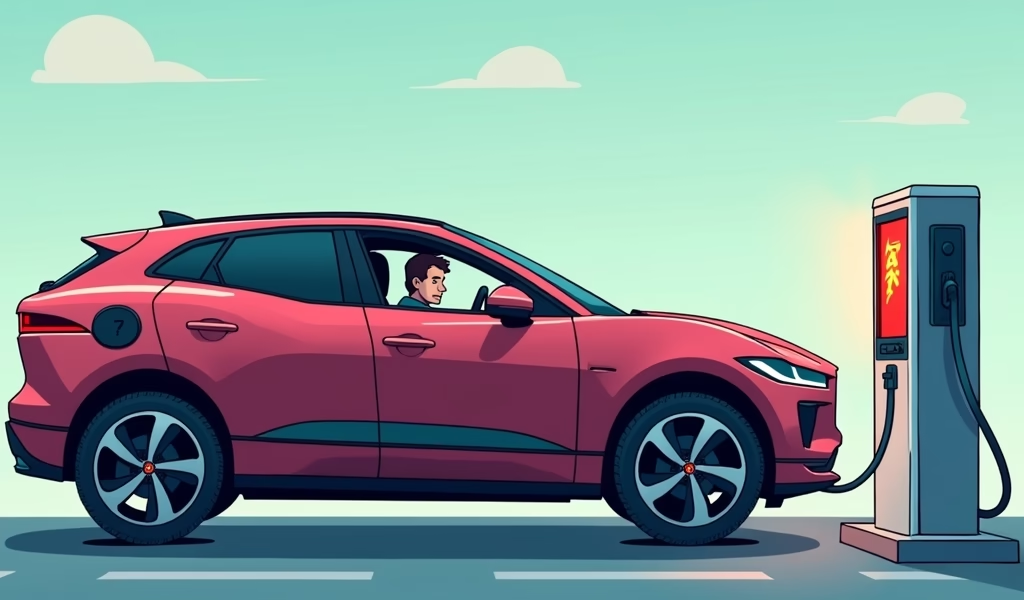
Navigating the complex world of Jaguar I-Pace charging problems requires understanding both the sophisticated 90kWh battery system and common issues like slow charging rates, unexpected interruptions, and software glitches that can become expensive if left unchecked. From DIY troubleshooting techniques like system restarts and port cleaning to preventative maintenance strategies and optimizing charging infrastructure, this guide provides practical solutions for I-Pace owners to maintain optimal charging performance while knowing when professional intervention becomes necessary.
Table of Contents
- Understanding Jaguar I-Pace Charging Systems
- Common Charging Problems with the I-Pace
- Diagnosing Charging Issues Before They Become Expensive
- DIY Solutions to Try First
- When to Seek Professional Help
- Preventative Maintenance Tips
- Software Updates and Their Impact
- Optimizing Your Charging Infrastructure
- Conclusion
- Frequently Asked Questions
Understanding Jaguar I-Pace Charging Systems
The Jaguar I-Pace represents a stunning leap into the electric vehicle market, but like any pioneering technology, it comes with its share of Jaguar I-Pace charging problems. As someone who’s had their hands under the hood (or rather, accessing the battery compartment) of countless I-Paces, I can tell you these issues aren’t just frustrating—they can be downright expensive if left unchecked.
First, let’s get a handle on what we’re working with. The I-Pace uses an 90kWh lithium-ion battery that, when functioning properly, delivers about 234 miles of range. The charging system is designed to work with everything from standard home outlets to DC fast chargers, giving you flexible options for keeping your Jag juiced up.
But here’s where things get interesting. Unlike traditional combustion engines with their relatively straightforward fuel systems, the I-Pace’s charging mechanism involves complex electrical systems that communicate constantly with the battery management system (BMS). This sophisticated setup is precisely what allows for how electric cars work so efficiently—but it’s also where many owners encounter problems.
The onboard charger converts AC power from your wall into DC power that the battery can store. Meanwhile, when you’re at a fast-charging station, DC power bypasses this converter and goes straight to the battery. These different pathways mean different potential failure points, which we’ll explore shortly.
Understanding this foundation is crucial before we dive into troubleshooting. Many of the issues I see in the shop stem from owners not fully grasping how these systems interact. With a vehicle this sophisticated, knowledge truly is power—or in this case, the path to reliable charging.
Common Charging Problems with the I-Pace
After working on dozens of I-Paces, I’ve noticed several recurring Jaguar I-Pace charging problems that owners frequently encounter. Let’s break these down so you know what you might be facing.
Slow charging rates are perhaps the most common complaint I hear. While owners expect their I-Pace to charge at the advertised rates, many find actual charging speeds significantly slower. This is especially frustrating at public charging stations where you’re paying for the time connected.
Another frequent issue is charging session interruptions. You plug in your I-Pace, walk away assuming it’s charging, only to return and find the process stopped midway with minimal battery gain. These interruptions can happen for multiple reasons, from communication errors between the car and charger to thermal management issues.
Diagnosing Charging Issues Before They Become Expensive
Catching Jaguar I-Pace charging problems early can save you thousands in repair costs. The good news? Your car is often trying to tell you something’s wrong before major failures occur.
Start by paying attention to your charging patterns. If your typical charging time suddenly increases by 20% or more, something’s not right. Similarly, if your range prediction becomes inconsistent or drops significantly after a full charge, your battery system is sending you warning signals.
The I-Pace’s infotainment system provides valuable diagnostic information if you know where to look. Navigate to the “Energy” or “Battery Status” screens for real-time data on your charging rate, battery temperature, and other vital metrics. Compare these readings against what you’d expect based on your charger’s capabilities.
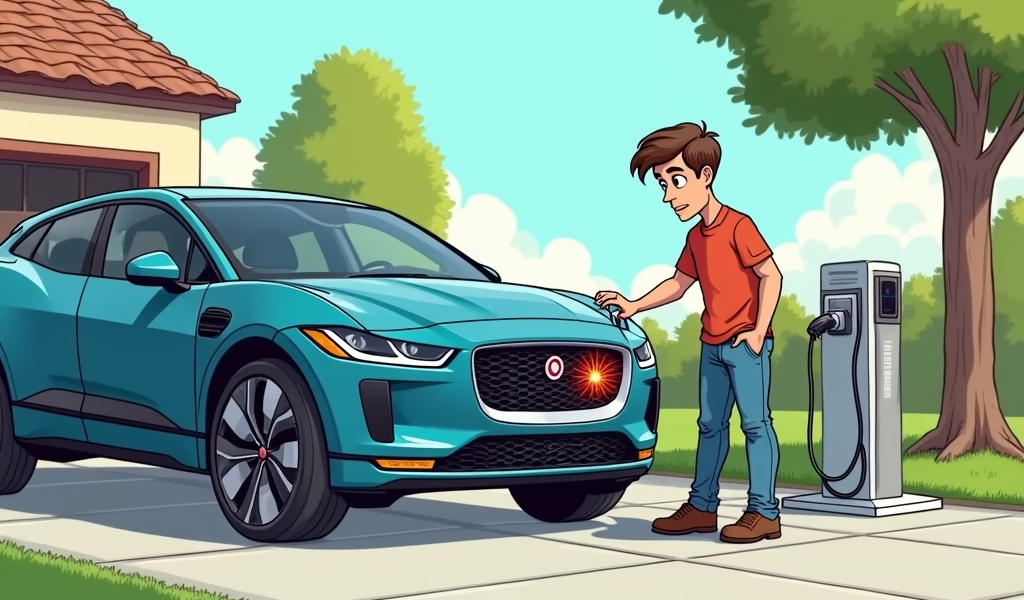
Check charging cables and connections regularly. Corrosion or damage to the pins in the charging port or cable can create resistance that slows charging or causes safety systems to shut down the process. A thorough visual inspection can catch these issues early.
Temperature warnings during charging deserve immediate attention. While some battery warming or cooling during charging is normal for electric cars for beginners and experts alike, excessive temperature fluctuations can indicate problems with the thermal management system—a critical component that protects your expensive battery pack.
One often overlooked diagnostic approach is to try different charging locations. If problems persist across multiple chargers, the issue likely resides within your vehicle rather than with the external charging infrastructure.
The I-Pace’s built-in warning systems are sophisticated but not infallible. Owner forums report that sometimes charging issues develop without triggering dashboard warnings. This makes regular monitoring on your part essential.
DIY Solutions to Try First
Before you make that potentially expensive service appointment, let’s try some DIY approaches that have resolved Jaguar I-Pace charging problems for many of my customers.
First, perform a complete system restart. This isn’t just turning the car off and on—you’ll want to power down the entire vehicle, disconnect the 12V auxiliary battery for about 10 minutes, then reconnect and restart. This forces all systems to reinitialize and can clear temporary electronic glitches that affect charging.
Next, clean your charging port. Use compressed air first to remove any debris, then inspect the port for signs of corrosion. For stubborn dirt, a small amount of electronic contact cleaner on a soft brush can work wonders—just be sure the vehicle is powered down completely before attempting this.
Check your home charging setup as well. Electrical issues like voltage fluctuations or improper grounding can cause the I-Pace’s sensitive charging system to reduce power or shut down as a protective measure. A qualified electrician can test your circuit and ensure it’s providing stable, clean power.
Try this often-overlooked step: update your mobile app. Jaguar’s official app receives updates that can improve charging monitoring and control. Similarly, if you use third-party charging networks, make sure their apps are current as communication protocols sometimes change.
For those comfortable with technology, monitoring charging sessions with the InControl Remote app can provide insights. Watch for patterns in charging interruptions—do they happen at specific battery percentages or times of day? This information can be invaluable if you eventually need professional diagnosis.
Here’s a step-by-step DIY troubleshooting sequence that many owners find effective:
- Update the vehicle software (we’ll cover this more later)
- Reset the infotainment system
- Clean the charging port
- Try a different charging cable
- Attempt charging at various locations
- Perform the auxiliary battery disconnect
One owner discovered that simply changing charging schedules resolved persistent interruptions. His I-Pace had been set to charge during off-peak hours, but local grid fluctuations during those times were triggering protective shutdowns. Sometimes the simplest solutions work best.
When to Seek Professional Help
While DIY approaches resolve many Jaguar I-Pace charging problems, certain symptoms warrant immediate professional attention. Knowing when to call in the experts can prevent minor issues from escalating into major expenses.
Seek professional help immediately if you notice any burning smell during charging, visible damage to the charging port, or if the vehicle displays battery fault warnings. These could indicate serious electrical problems that require specialized diagnostic equipment and expertise.
If your charging capacity has significantly decreased—for example, if your maximum range has dropped by more than 10-15% in a short period—this could indicate battery cell degradation requiring professional assessment. Modern car battery care tips can help maintain health, but sometimes internal components fail despite best practices.
Preventative Maintenance Tips
An ounce of prevention is worth a pound of cure—especially when that “cure” might cost thousands at the service center. Let me share some preventative maintenance strategies that keep I-Pace charging systems healthy.
Develop good charging habits. While the I-Pace battery management system is designed to protect cells, consistently charging to 100% and then running down to near-empty creates unnecessary stress. For daily use, charging to 80-90% and not letting the battery fall below 20% significantly extends battery life.
Keep your charging port clean and protected. I recommend checking it monthly and cleaning as described in the DIY section. Additionally, always ensure the port cover is closed when not in use to prevent moisture and debris infiltration.
Schedule regular system checks even when everything seems fine. Jaguar’s certified technicians can access deeper diagnostic information than owners can see through the dashboard. Annual electrical system checks can catch potential issues before they affect performance.
Pay attention to environmental factors. Extreme temperatures affect charging efficiency and battery health. When possible, park in temperature-controlled environments, especially when charging. The I-Pace has thermal management systems, but why make them work harder than necessary?
Consider installing a quality surge protector for your home charging station. Power fluctuations can damage both your charging equipment and the vehicle’s onboard charger. This simple addition provides valuable protection for relatively little cost.
Lastly, don’t ignore small changes in charging behavior. That slight delay in charging initiation or the occasional unexpected disconnection might seem minor, but they often signal developing issues. Addressing these early typically means simpler, less expensive solutions.
Software Updates and Their Impact
Software plays a crucial role in managing the I-Pace’s charging systems, and Jaguar regularly releases updates that can address Jaguar I-Pace charging problems. In my experience, these updates have sometimes transformed problematic vehicles into perfectly functioning ones overnight.
Jaguar has issued several significant software updates specifically targeting charging performance. Some updates have improved DC fast-charging speeds by optimizing the battery thermal management system, while others have enhanced communication protocols with various charging networks.
Check your current software version through the vehicle settings menu and compare it with the latest available version on Jaguar’s owner portal. If you’re behind, schedule an update at your dealer or, for some models, perform the update remotely through the InControl system.
One particularly important update in late 2020 addressed a common issue where charging would unexpectedly terminate around 85%. This wasn’t just a convenience problem—repeatedly starting and stopping charging sessions can create additional wear on components.
While software updates can resolve many issues, they occasionally introduce new quirks. After any update, monitor your charging process carefully for the first few cycles to ensure everything functions as expected. If you notice new issues, document them carefully to share with your service center.
Independent research confirms that software updates have significantly improved the I-Pace’s range and charging efficiency over time, making these updates one of the most important maintenance actions you can take.
Optimizing Your Charging Infrastructure
The Jaguar I-Pace’s charging experience is only as good as the infrastructure you’re using. Many charging problems actually stem from suboptimal home setups or choosing incompatible public charging options.
For home charging, invest in a quality Level 2 charging station from a reputable manufacturer. While the initial cost is higher than using the included portable charger, the faster charging times and additional safety features make it worthwhile. Look for units with UL certification and, ideally, networked capabilities that allow monitoring and remote troubleshooting.
If you’re installing a new home charging station, consider future-proofing by choosing a higher amperage than your current needs. The I-Pace can accept up to 7kW on AC charging, but newer EV models support even higher rates. A 50-amp circuit installation now might save you from costly electrical upgrades later.
For public charging, familiarize yourself with networks that have proven reliable with the I-Pace. Industry studies show that some charging networks have better compatibility with Jaguar’s systems than others. The Jaguar forums can be invaluable for identifying which networks work best in your region.
Consider investing in multiple charging network memberships or a universal charging pass. Having backup options reduces the risk of being stranded when a preferred network is unavailable or experiencing technical difficulties.
Keep charging adapters in your vehicle for emergency situations. While the I-Pace uses the standard J1772 connector for AC charging and CCS for DC fast charging, having adapters for other standards increases your charging options when traveling.
Finally, map out charging locations along your regular routes and during any planned road trips. Applications like PlugShare or A Better Route Planner can help identify reliable charging options and create itineraries that minimize charging anxiety.
Conclusion
Navigating Jaguar I-Pace charging problems doesn’t have to mean frequent trips to the service center or expensive repair bills. By understanding your vehicle’s charging system, recognizing early warning signs, and implementing the preventative maintenance techniques we’ve discussed, you can enjoy a smoother ownership experience.
Remember that the I-Pace represents cutting-edge technology, and occasional quirks are part of being an early adopter. Jaguar continues to refine the platform through software updates, and the charging infrastructure improves daily. Your proactive approach to maintenance will help bridge any remaining gaps.
Whether you’re troubleshooting current issues or taking steps to prevent future problems, the key is staying informed and attentive to how your vehicle performs during charging cycles. Small adjustments to your charging habits and regular monitoring can dramatically extend component life and maintain optimal performance.
The electric vehicle journey is just beginning, and pioneering vehicles like the I-Pace are helping establish the standards that will benefit all future EV owners. Your experiences—challenges and solutions alike—contribute to this evolution. By sharing knowledge within owner communities and working with Jaguar’s service network, you’re helping improve the technology for everyone.
With the right approach to maintenance and charging infrastructure, your I-Pace can provide years of reliable, economical, and environmentally friendly transportation. The future of mobility is electric, and you’re already there.
Frequently Asked Questions
How long does it typically take to charge a Jaguar I-Pace from empty?
Using a 7kW home charger, a full charge from empty takes approximately 13 hours. With a 50kW DC fast charger, you can achieve 80% charge in around 85 minutes, while a 100kW charger reduces this to approximately 40 minutes.
Why does my I-Pace charge slower than the advertised rate at public charging stations?
Several factors can reduce charging speeds, including battery temperature, state of charge, and charger limitations. The I-Pace also throttles charging rates as the battery approaches 80% full to protect battery longevity.
Can extreme weather affect my I-Pace’s charging ability?
Yes, both hot and cold temperatures can significantly impact charging speeds and efficiency. The battery management system may limit charging rates in extreme conditions to protect battery cells from damage.
Is it bad to charge my I-Pace to 100% regularly?
For optimal battery longevity, it’s best to keep the battery between 20-80% for daily use. Charging to 100% occasionally for long trips is fine, but doing so regularly can accelerate battery degradation.
What’s the most common cause of charging interruptions with the I-Pace?
Communication errors between the vehicle and charging station are the most frequent culprits. These can often be resolved by ensuring both the vehicle and charging station software are updated to the latest versions.