

Overview
This article provides five essential tips for maintaining and repairing CD player laser alignment: proper cleaning techniques, adjusting laser power, mechanical alignment procedures, preventative maintenance, and professional calibration when needed. Regular maintenance extends your CD player’s lifespan while preventing playback issues, with most problems solvable through simple cleaning or minor adjustments before considering professional service.
Table of Contents
- Understanding CD Player Laser Technology
- Why Laser Alignment Matters
- Tip 1: Proper Cleaning Techniques
- Tip 2: Adjusting Laser Power
- Tip 3: Mechanical Alignment Procedures
- Tip 4: Preventative Maintenance
- Tip 5: Professional Calibration
- Conclusion
- Frequently Asked Questions
Remember the satisfying whir of a CD player spinning up your favorite album? That magical moment is made possible by a precisely aligned laser reading the microscopic pits on your disc. When your CD player starts acting up—skipping tracks, producing distorted sound, or refusing to read discs altogether—CD player laser alignment is often the culprit.
After 25 years working with car audio systems, I’ve seen countless CD players given new life with proper laser alignment. Don’t worry if you’re not technically inclined; I’ll walk you through five proven tips that can restore your player’s performance without breaking the bank.
The good news? Many alignment issues can be addressed without professional intervention. Let’s get your music flowing smoothly again!
Understanding CD Player Laser Technology
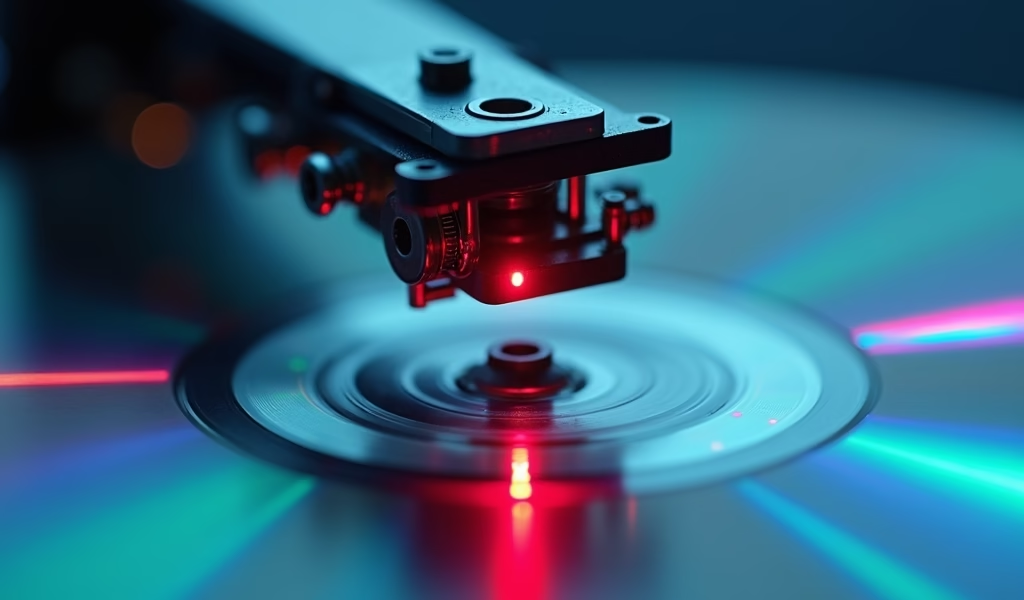
Before diving into fixes, let’s understand what we’re working with. Your CD player uses an optical system that’s remarkably sophisticated for something we take for granted. When you insert a CD, a laser diode shoots a focused beam of light at the disc’s reflective surface.
As this beam encounters the disc’s microscopic pits and lands (physical representations of digital data), the reflected light varies in intensity. A photodetector captures these variations, converts them to electrical signals, and—voilà!—music fills your car.
The entire laser assembly sits on a sled that moves across the disc during playback. This system must focus on tracks thinner than a human hair—talk about precision! When this alignment goes off, even slightly, your listening experience suffers.
Common causes of misalignment include:
- Physical shock from bumpy roads
- Natural wear after years of use
- Dust accumulation on the lens
- Temperature fluctuations in your vehicle
- Worn belts and gears in the mechanical assembly
Why Laser Alignment Matters
Think of laser alignment like your car’s wheel alignment—when it’s off, performance suffers dramatically. A properly aligned laser reads data consistently, delivering the full dynamic range and clarity your music deserves.
When alignment drifts, you’ll notice immediate symptoms: tracks skip during minor bumps, the player struggles with scratched discs it once handled fine, or playback suddenly sounds distant and muffled.
The most telling sign? Inconsistency. Your player works perfectly one moment, then refuses to read a disc the next. This erratic behavior almost always points to alignment issues that worsen with vibration or temperature changes—conditions constantly changing in your vehicle.
Tip 1: Proper Cleaning Techniques
Just as dirty headlights reduce visibility at night, a dirty laser lens compromises your CD player’s ability to “see” the disc. In my experience, about 60% of alignment issues resolve with a proper cleaning. Here’s how to do it right:
What You’ll Need:
- Isopropyl alcohol (90% or higher)
- Cotton swabs (lint-free if possible)
- A small, soft brush
- Compressed air
The Cleaning Process:
First, disconnect your player from power. Safety first! Next, carefully open the disc tray and locate the laser lens—it’s typically a small, round glass component beneath where the disc sits.
Use compressed air to gently blow away loose dust particles. Hold the can upright to prevent liquid propellant from spraying out. This removes surface particles that might scratch the lens during wiping.
Slightly moisten (not soak) a cotton swab with isopropyl alcohol and, with extremely gentle pressure, swab the lens in a straight line from center to edge. Never use circular motions—this can damage the lens coating or scratch the surface.
Allow the lens to dry completely before closing the tray and testing. For optimal CD player maintenance, clean your lens every 30-50 hours of playtime, or whenever you notice playback issues starting to develop.
Tip 2: Adjusting Laser Power
As laser diodes age, they often lose intensity, requiring more power to read discs effectively. If cleaning didn’t solve your issues, a power adjustment might be necessary. This is a bit more technical but still doable for the patient DIYer.
To adjust laser power, you’ll need:
- Small precision screwdrivers
- A multimeter (if you want to be precise)
- A test CD that previously caused problems
The Adjustment Process:
Unplug your player and remove the outer casing, keeping track of all screws. Locate the laser assembly—it’s typically connected to a ribbon cable and contains a small potentiometer (adjustment screw) labeled “VR” followed by a number.
This tiny screw controls the power output of your laser. Using a small screwdriver, make minimal adjustments—we’re talking 1/8 turn at most. Turn clockwise to increase power if your player struggles to read discs. Turn counterclockwise if the laser is overcompensating and causing skipping.
Test after each small adjustment. The sweet spot provides reliable playback without overdriving the laser (which shortens its life). If you’re uncomfortable opening your player, this might be where professional help becomes worthwhile.
Tip 3: Mechanical Alignment Procedures
Sometimes the issue isn’t with the laser itself but with the mechanical alignment of the entire optical assembly. Physical misalignment happens when your player has endured years of bumpy roads or after components wear down.
Start by ensuring your player sits on a level surface during testing. Check if the disc spins evenly without wobbling—an uneven spin indicates issues with the spindle motor or disc tray that will affect laser tracking.
Observe the laser sled movement during playback. It should glide smoothly from the inner to outer edges of the disc. If you notice jerky movements, check for obstructions in the sled track or dried lubricant on the guide rails.
For finer adjustments, locate the tracking adjustment screws (usually near the laser assembly). These control the angle and position of the laser relative to the disc. Make extremely small adjustments—1/16 turn at most—while testing playback quality.
If multiple attempts don’t improve performance, or the required adjustments seem beyond your comfort level, don’t force it. Some high-end car CD players require specialized equipment for proper alignment that most hobbyists simply don’t have access to.
Tip 4: Preventative Maintenance
An ounce of prevention is worth a pound of cure, especially with sensitive electronics. Establishing good maintenance habits prevents laser alignment issues before they start.
Develop a Regular Maintenance Schedule:
- Clean the exterior of your player monthly to prevent dust buildup
- Perform a laser lens cleaning every 30-50 hours of play time
- Check internal components for dust twice yearly
- Lubricate mechanical parts annually using only recommended lubricants
Proper handling of your CDs significantly reduces stress on the laser. Always hold discs by their edges, store them in cases when not in use, and clean them before playing with a soft cloth, wiping from center to edge.
Environmental factors greatly influence your player’s longevity. Avoid extreme temperature swings in your vehicle by using window shades when parked in direct sunlight. If possible, remove the faceplate of your player when parked in extremely hot or cold conditions.
According to Consumer Reports research, electronic devices kept in moderate temperatures last up to 40% longer than those regularly subjected to extreme conditions. A small sunshade can significantly extend your CD player’s life!
Tip 5: Professional Calibration
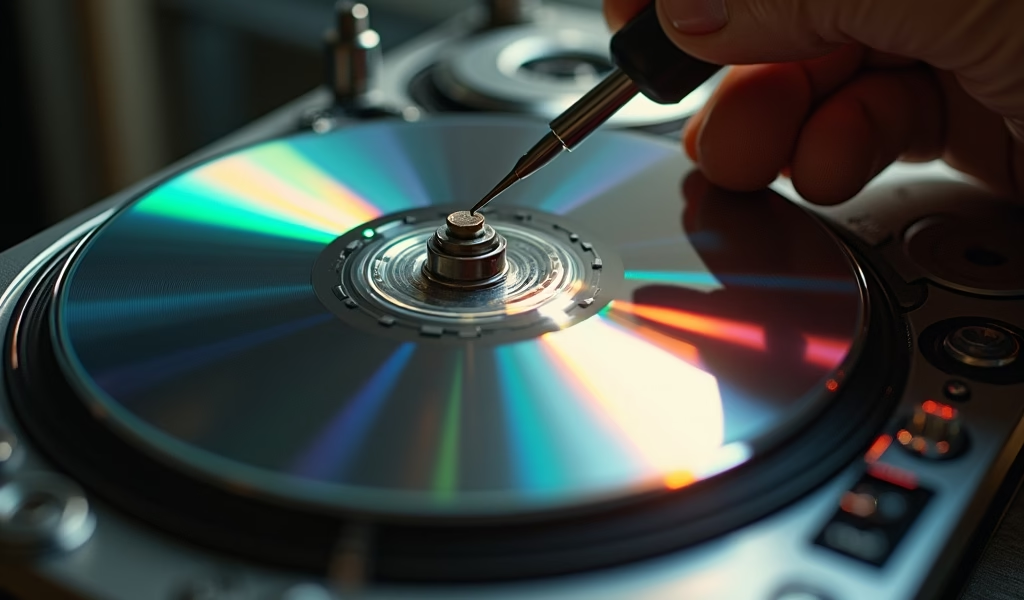
When DIY methods reach their limits, professional calibration becomes the most reliable solution. A skilled technician has access to specialized equipment like optical power meters and alignment jigs that ensure precision far beyond what’s possible at home.
Professional calibration typically includes:
- Complete disassembly and thorough cleaning
- Laser power measurement and adjustment to factory specifications
- Tracking and focus coil alignment using calibrated tools
- Spindle motor speed verification and adjustment
- Comprehensive testing with various disc types
When selecting a technician, look for someone with specific experience in car audio systems rather than home electronics. Vehicle-specific units often have unique considerations related to power supply fluctuations and vibration resistance that home audio technicians might miss.
A professional calibration typically costs between $75-150 depending on your player model and location. While this might seem expensive compared to the DIY approaches, it’s often the most cost-effective solution for high-end units or when the player has significant value—whether monetary or sentimental.
Ask your technician for preventative maintenance tips specific to your model. These insights can help you avoid future issues and extend the benefits of the professional service you’ve invested in.
Conclusion
Proper CD player laser alignment is essential for enjoying your music collection as it was meant to be heard. We’ve covered five proven approaches: thorough cleaning techniques, careful laser power adjustments, mechanical alignment procedures, preventative maintenance routines, and professional calibration when needed.
The benefits extend beyond improved sound quality. A well-maintained CD player treats your disc collection gently, preventing unnecessary wear. You’ll also extend the lifespan of your equipment, potentially adding years of enjoyment from a player that might otherwise end up in the junkyard.
Start with the simplest solutions first—a good cleaning often works wonders. If problems persist, move methodically through the more advanced techniques. And remember, there’s no shame in seeking professional help for particularly valuable or stubborn units.
With these tips in your toolkit, you’re well-equipped to keep your car’s CD player performing at its best for years to come. Happy listening!
Frequently Asked Questions
How often should I clean my CD player’s laser lens?
Clean your CD player’s laser lens every 30-50 hours of playback. More frequent cleaning may be necessary if your vehicle is exposed to dusty conditions or if you notice playback issues developing.
Can I use any type of alcohol to clean the laser lens?
Only use isopropyl alcohol (90% or higher) for cleaning laser lenses. Other alcohols like rubbing alcohol or spirits contain additives that can leave residue on the lens.
Why does my CD player skip only on bumpy roads?
Skipping on bumpy roads indicates the laser’s tracking system is struggling to maintain proper alignment during vibration. This usually means the tracking adjustment or anti-shock memory needs attention.
Is it worth fixing an old car CD player?
If your CD player is from a premium sound system or has sentimental value, fixing it is often worthwhile. For basic factory units in older vehicles, replacement might be more cost-effective unless you enjoy DIY projects.
What’s the average lifespan of a car CD player laser?
With proper maintenance, a car CD player laser typically lasts 7-10 years of regular use. Environmental factors like temperature extremes and vibration can significantly shorten this lifespan if not properly managed.