
Overview
This article examines the benefits and features of smartphone dash cam apps, highlighting seven top options including Nexar, DailyRoads Voyager, and CaroO Pro. It provides practical advice on setup, legal considerations, and explains why these affordable alternatives to dedicated hardware offer valuable protection for drivers by capturing video evidence that can be crucial for insurance claims and accident disputes.
Table of Contents
- Introduction
- Why Use a Dash Cam App?
- What Makes a Great Dash Cam App?
- Our Top 7 Dash Cam Apps
- How to Set Up Your Smartphone as a Dash Cam
- Legal Considerations
- Conclusion
- Frequently Asked Questions
Introduction
Dash cam apps have become essential tools for modern drivers. These handy smartphone applications turn your phone into a watchful eye on the road, continuously recording your journey and ready to capture evidence when you need it most.
More and more drivers are discovering these best dash cam apps as affordable alternatives to expensive hardware. They quietly run in the background, using your phone’s camera to record video footage while you drive. Most work seamlessly with your navigation or music apps, saving footage in manageable chunks and automatically overwriting old recordings unless you’ve flagged an incident.
As a mechanic who’s seen countless disputes over accidents and damage, I can tell you firsthand: video evidence doesn’t lie. That’s why I recommend dash cam apps to everyone who brings their vehicle into my shop. Let’s explore the best options available today.
Why Use a Dash Cam App?
Picture this: you hit a massive pothole that damages your wheel, but your insurance claim gets denied because you can’t prove what happened. Or imagine being involved in a minor fender bender where the other driver suddenly changes their story when the police arrive. These real-life situations happen daily and highlight exactly why dash cam apps have become must-have driving companions.
The value proposition is clear. While dedicated dash cams often cost between $50-300, dash cam apps typically offer solid basic features for free or premium features for just a few dollars. Talk about bang for your buck!
Convenience is another major advantage. Most of us already mount our phones in our cars for navigation. With a dash cam app installed, your device handles two important jobs at once – getting you where you need to go while watching for trouble along the way.
For insurance purposes, these apps are absolute gold. When accidents happen, memories get fuzzy and stories change. Having clear video evidence often makes the difference between a denied claim and proper compensation. Some insurance companies even offer discounts to drivers who use dash cams, as research shows they reduce fraud and streamline the claims process.
Finally, these apps provide protection against increasingly common scams like staged accidents or false damage claims. Your digital witness never forgets, gets confused, or changes its story when questioned.
What Makes a Great Dash Cam App?
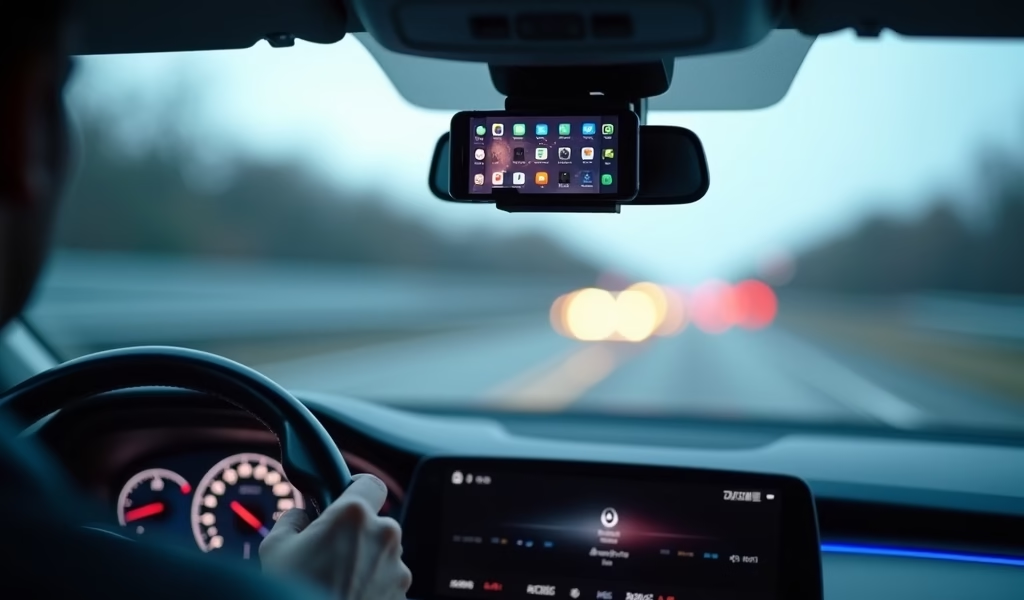
Not all dash cam apps deliver the same value. After testing dozens of options over the years, I’ve identified the key features that separate the winners from the also-rans.
Background recording capability is non-negotiable. The best apps keep filming even when you’re using navigation or when your screen is off. This ensures continuous protection without interruption.
Loop recording is another essential feature. This automatically overwrites old footage when storage space runs low – ensuring you always have room to capture new video. Without this, you might discover your dash cam stopped recording days ago when you needed it most.
Impact detection is perhaps the most valuable feature of all. Using your phone’s built-in sensors, quality dash cam apps can detect collisions and automatically save the surrounding footage. This prevents crucial evidence from being overwritten during normal loop recording.
Flexible storage options matter tremendously. Top-tier apps offer the ability to save to your phone’s memory, external SD card, or directly to cloud storage. The best apps find that sweet spot between video quality and file size to maximize recording time.
Battery management makes or breaks usability. Recording video constantly drains power quickly, so great apps optimize battery consumption and include options to automatically shut down when battery levels drop too low. Many also include warnings about overheating, which is particularly important during summer months.
Finally, the user interface should be dead simple. The best dash cam apps feature large buttons and intuitive controls that can be operated with minimal distraction. Some even support voice commands for totally hands-free operation, which pairs nicely with a quality radar detector with GPS for comprehensive road awareness.
Our Top 7 Dash Cam Apps
1. Nexar
Nexar stands out as the most complete dash cam solution available today. This robust app combines excellent video quality with intelligent features that go beyond simple recording.
Key Features: Automatic collision detection, unlimited cloud storage for critical events, AI-powered incident reports, real-time traffic alerts, and an innovative “parking mode” that activates if someone hits your parked car.
Pricing: Free basic version with unlimited cloud storage for critical events. Premium tier ($9.99/month) offers extended cloud storage and additional features.
Pros: The unlimited cloud storage means you’ll never lose crucial evidence. The AI-generated accident reports are incredibly useful for insurance claims. I particularly like the community alert feature that warns of upcoming hazards spotted by other Nexar users.
Cons: Higher battery drain than some competitors. Works best with a dedicated car mount and continuous power source.
Best for: Daily commuters who want comprehensive protection with minimal management required.
2. DailyRoads Voyager
A veteran in the dash cam app space, DailyRoads Voyager focuses on reliability over flashy features.
Key Features: Background recording, customizable video quality settings, GPS tracking, and ability to capture still photos while recording video.
Pricing: Free with in-app purchases for premium features ($2.99-$5.99).
Pros: Extremely low resource usage means better battery life than most competitors. The intuitive interface requires minimal setup. Multiple resolution options let you balance quality versus storage space.
Cons: Limited cloud storage options compared to newer apps. The interface looks a bit dated.
Best for: Budget-conscious drivers with older smartphones who need reliable basic protection.
3. AutoBoy Dash Cam
AutoBoy emphasizes ease of use while still providing solid recording capabilities for everyday drivers.
Key Features: Automatic start/stop recording, background recording capability, customizable video resolution, GPS tracking with speed display, and date/time stamps.
Pricing: Free with ads; Pro version ($3.99) removes advertisements and adds additional features.
Pros: Extremely intuitive interface that anyone can master in minutes. The automatic start feature begins recording when motion is detected, saving battery when parked. Video quality is excellent even in low-light conditions.
Cons: Limited cloud integration. Some users report occasional stability issues on certain Android devices.
Best for: Technology-averse drivers who want straightforward protection without complicated features.
4. CaroO Pro (Dash Cam & OBD)
CaroO Pro takes dash cam functionality to another level by integrating with your vehicle’s OBD-II system for comprehensive monitoring.
Key Features: OBD-II diagnostic integration, speed monitoring, fuel consumption tracking, engine performance data, traditional dash cam recording, and impact detection.
Pricing: Free basic version; Pro version ($9.99) unlocks full feature set.
Pros: The unique OBD integration provides valuable vehicle data alongside video recording. The diagnostic capabilities can alert you to potential mechanical issues before they become serious problems.
Cons: Requires additional OBD hardware for full functionality. The interface can be overwhelming for users who just want basic dash cam features.
Best for: Car enthusiasts who want both video protection and detailed vehicle performance data. This app works particularly well alongside radar detector accessories for complete vehicle monitoring.
5. Drivermatics Dash Cam
Drivermatics focuses on artificial intelligence features that actively assist drivers beyond just recording.
Key Features: AI-powered collision warnings, lane departure alerts, forward collision warnings, driver drowsiness detection, traditional recording capabilities, and cloud storage options.
Pricing: Free basic version; Premium subscription ($5.99/month) unlocks advanced safety features and removes ads.
Pros: The active safety alerts can potentially prevent accidents before they happen. Excellent night vision capabilities outperform many competitors. The lane departure warning feature works surprisingly well for a phone-based system.
Cons: Advanced features require significant battery power. Some users report occasional false alerts in complex driving environments.
Best for: Safety-conscious drivers who want preventative features alongside traditional dash cam recording.
6. TrueCam
TrueCam stands out for its exceptional video quality and focus on capturing important details like license plates.
Key Features: Ultra-high-definition recording options, enhanced night vision, license plate optimization technology, impact detection, and extensive customization options.
Pricing: Free with in-app purchases; Premium version ($7.99) unlocks 4K recording and removes watermarks.
Pros: The video quality is noticeably superior to most competitors, especially in challenging lighting conditions. License plate capture works reliably even at highway speeds.
Cons: High-quality recordings consume storage space quickly. The app demands more processing power than simpler alternatives.
Best for: Detail-oriented drivers who prioritize video clarity and feature customization.
7. Smart Dash Cam
Smart Dash Cam takes a minimalist approach, focusing on core functionality while maximizing reliability and ease of use.
Key Features: One-touch recording activation, simplified interface, automatic crash detection, background recording, and basic GPS tracking.
Pricing: Free with ads; Premium version ($4.99) removes advertisements and adds extended recording options.
Pros: Extremely lightweight application with minimal battery impact. The simplified interface is perfect for occasional users. Reliable performance even on older smartphone models.
Cons: Limited advanced features compared to premium offerings. Basic cloud storage options.
Best for: Occasional drivers who want simple, reliable protection without complicated setup or management.
How to Set Up Your Smartphone as a Dash Cam
Getting your smartphone dash cam properly configured is crucial for capturing usable footage. After helping countless customers set up their systems, here’s what I recommend:
Mounting Options
A stable mount is the foundation of any effective dash cam setup. Windshield suction mounts offer the clearest view but check local laws – they’re restricted in some states. Dashboard mounts and vent clips provide good alternatives. Whatever you choose, position it where it doesn’t block your view while still capturing the road ahead clearly.
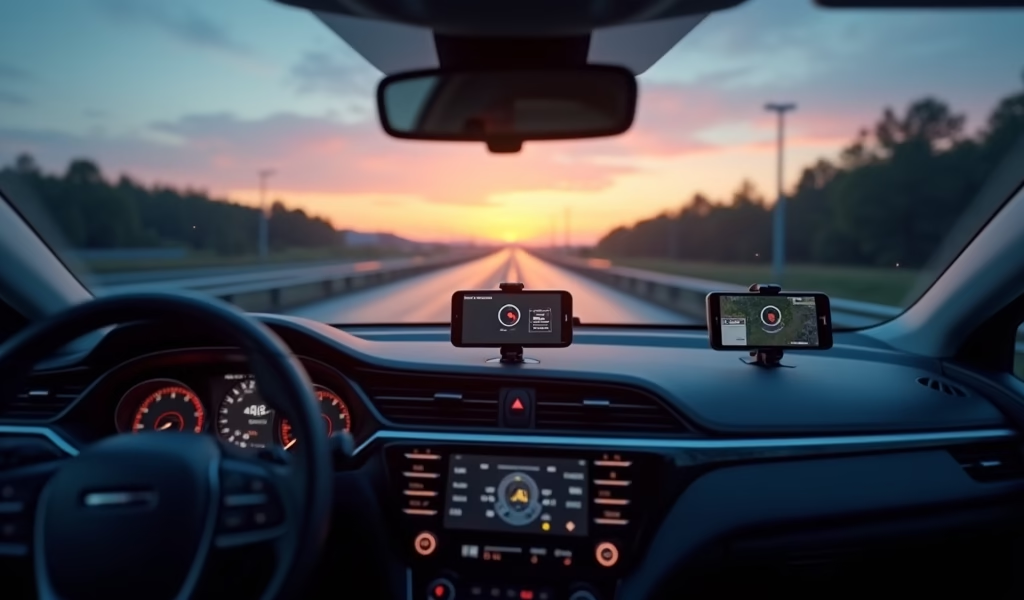
For those who already use their phone for navigation, consider a radar detector app compatible mounting system that can securely hold both devices.
Power Considerations
Video recording drains batteries quickly, making power management essential. For any trip longer than 30 minutes, connect your phone to a car charger. I recommend investing in a high-quality fast-charging car adapter that can keep up with the demands of recording, especially if you’re simultaneously using navigation.
Many professional drivers use dedicated 12V adapters with multiple USB ports to power both their dash cam phone and other devices. Safety experts also recommend routing cables carefully to avoid distraction or interference with vehicle controls.
Optimal Settings and Positioning
Position your phone camera to capture as much of the road as possible, including a portion of your hood for reference. Most dash cam apps allow you to adjust resolution settings – 720p typically offers the best balance between quality and storage efficiency for everyday use.
Enable GPS tagging if available, as this adds valuable context to your footage. In settings, configure automatic loop recording to ensure you never run out of space.
Storage Management
Video files pile up quickly. Set up automatic cloud syncing when on Wi-Fi if your app supports it. Regularly transfer important footage to long-term storage, and consider setting calendar reminders to perform monthly storage cleanups.
Many experienced users dedicate a high-capacity SD card exclusively to dash cam footage if their phone supports expandable storage. This keeps your main storage free while providing ample space for recordings.
Legal Considerations
Before you start recording your drives, understanding the legal landscape around dash cams can save you headaches down the road.
Mounting laws vary significantly by location. In the US, most states permit windshield-mounted devices, but Illinois, California, and Minnesota have specific restrictions on windshield attachments. In Europe, countries like Germany have strict privacy laws affecting how and what you can record.
Privacy concerns extend beyond mounting. In two-party consent states like California and Washington, you may need to inform passengers they’re being recorded if your dash cam captures audio inside the vehicle. Many drivers simply disable audio recording to avoid these complications.
Insurance companies generally view dash cams favorably, with some offering discounts for their use. However, be aware that footage can be used both for and against you – if it shows you were speeding before an accident, it might complicate your claim.
I always recommend checking your local regulations before fully implementing your dash cam solution. When used properly, these apps provide valuable protection while keeping you on the right side of the law.
Conclusion
Roads can be unpredictable places, but the best dash cam apps offer an affordable layer of protection previously available only to those willing to invest in expensive hardware. From daily commuters to weekend drivers, everyone benefits from the peace of mind these digital guardians provide.
Among our seven recommendations, Nexar offers the most complete package for most drivers with its unlimited cloud storage and AI-powered reports. For those seeking simplicity, Smart Dash Cam provides straightforward protection without complicated features. Automotive enthusiasts will appreciate CaroO Pro’s unique OBD integration for comprehensive vehicle monitoring.
While dedicated hardware dash cams still have advantages in reliability and specialized features, the gap is narrowing as smartphone technology improves. For most drivers, a quality dash cam app provides more than enough protection at a fraction of the cost.
In today’s driving environment, documenting your journey isn’t just about capturing scenic roads – it’s about protecting yourself in a world where a single incident can have major financial and legal implications. As I often tell customers in my shop: hope for smooth sailing, but prepare for rough waters. A dash cam app is that preparation made simple.
Frequently Asked Questions
Will running a dash cam app drain my phone battery quickly?
Yes, video recording is power-intensive. For trips longer than 20 minutes, always connect your phone to a car charger to prevent battery drain.
How much storage space do dash cam recordings require?
At medium quality (720p), expect about 1GB of storage per hour of recording. Higher resolutions (1080p or 4K) use 2-7GB per hour.
Can dash cam footage be used in court?
Yes, in most jurisdictions, dash cam footage is admissible in court and for insurance claims if legally obtained. The footage must be properly preserved and may require verification of its authenticity.
What should I do with dash cam footage after an accident?
Immediately save the footage using your app’s emergency function to prevent overwriting. Make a backup copy as soon as possible and share with your insurance company.
Do I need to tell passengers they’re being recorded?
Laws vary by region. In “two-party consent” states, you may need to inform passengers if audio is being recorded.