
Overview
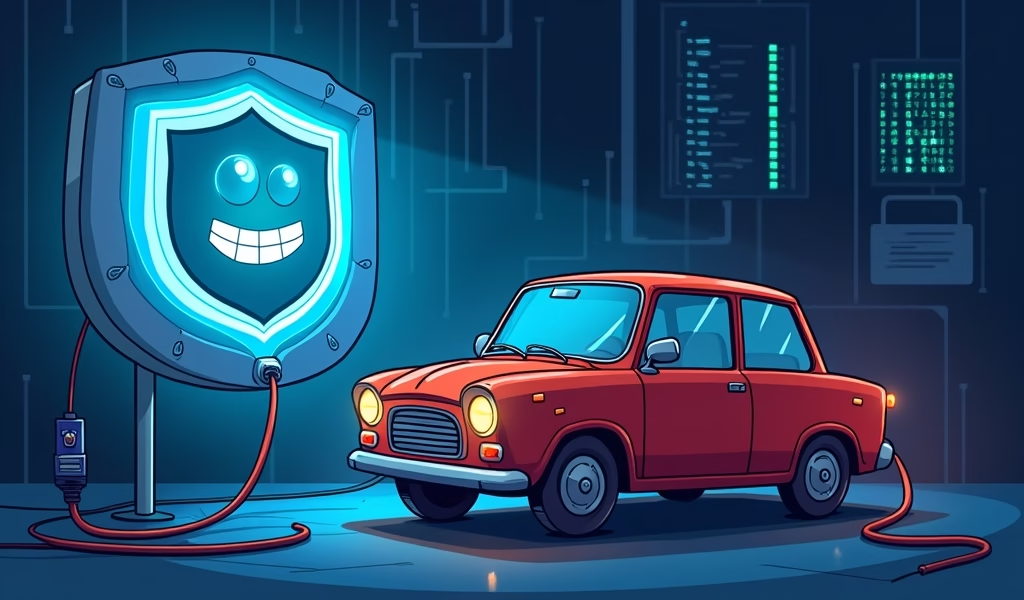
Just as your smartphone needs regular updates, your car’s complex network of computers requires periodic software flashes to fix bugs, improve performance, and prevent costly breakdowns. These updates—costing between $75-250 but potentially saving thousands in repair bills—are essential maintenance procedures that extend component lifespan, enhance safety, and ensure optimal operation of everything from your engine and transmission to power windows and infotainment systems.
Table of Contents
- Understanding Software Flashes: What They Are & Why They Matter
- How Vehicle Software Works: The Digital Brains of Your Car
- Signs Your Vehicle Needs a Software Update
- The Benefits of Regular Software Updates
- The Flash Procedure Explained: What Happens During an Update
- DIY vs. Professional Software Updates: Making the Right Choice
- Cost Considerations: What to Expect
- Preventing Software-Related Issues Before They Start
- Conclusion
- Frequently Asked Questions
Understanding Software Flashes: What They Are & Why They Matter
You’re cruising down the highway when suddenly your car’s engine stutters, dash lights flicker on like a Christmas tree, and you’re forced to pull over. Later at the shop, the diagnosis hits harder than the repair bill: “This could have been prevented with a simple software update.”
As a mechanic who’s seen this scenario play out countless times, I can tell you that a software flash procedure is essentially a tune-up for your car’s brain. It’s the process of updating the programming in your vehicle’s electronic control units (ECUs) to fix bugs, improve performance, and prevent potentially costly breakdowns.
Modern vehicles are rolling computers, containing upwards of 100 million lines of code across dozens of control modules. These electronic brains control everything from engine timing to transmission shifts, and even your power windows. Just like your smartphone needs updates to run smoothly, your car’s computers require periodic software refreshes to operate at their best.
The good news? Understanding when and why to update your vehicle’s software can save you from roadside headaches and protect your wallet from unnecessary repair costs. Let’s dive into what you need to know about this crucial yet often overlooked maintenance procedure.
How Vehicle Software Works: The Digital Brains of Your Car
Think of your car as having multiple specialized computers, each with a specific job. The Engine Control Module (ECM) manages fuel delivery and ignition timing. The Transmission Control Module (TCM) determines when to shift gears. The Body Control Module (BCM) handles everything from your power locks to your interior lights.
These electronic control units don’t just operate independently—they communicate with each other through a complex digital network. When you press the accelerator, the throttle position sensor sends a signal to the ECM, which then calculates the perfect amount of fuel to inject while also informing the TCM that you’re requesting more power.
Software is the invisible force that determines how each module interprets inputs and decides what actions to take. It contains the instructions and parameters that tell your car exactly how to behave in countless different situations. When engineers discover better ways to manage these systems or fix problems, they release software updates.
As vehicle electrical systems become more complex, the importance of proper software calibration only increases. A modern luxury vehicle can have up to 100 separate control modules, creating an intricate web of digital communication that depends on properly functioning software to keep everything running smoothly.
Signs Your Vehicle Needs a Software Update
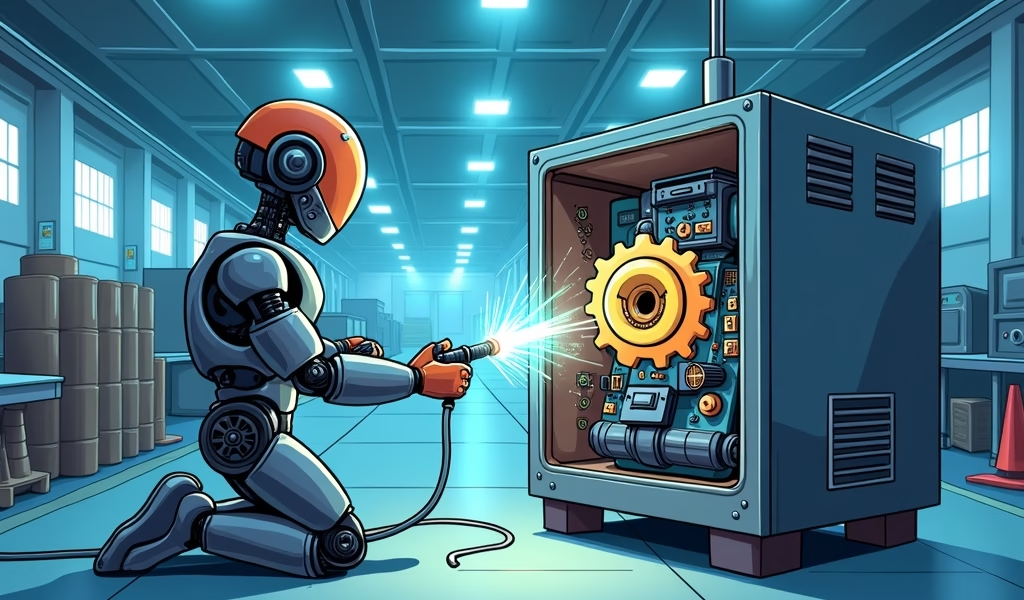
After 20 years working on vehicles, I’ve developed a sixth sense for software-related issues. Here are the telltale signs your car might be crying out for a software update:
Mysterious Check Engine Lights
Does your check engine light keep returning after being cleared? This persistent warning often points to outdated programming, especially when diagnostic scans show codes related to sensor performance or system operation rather than outright component failures.
Erratic Shifting Patterns
If your automatic transmission has developed harsh shifts, delayed engagement, or unpredictable behavior, outdated TCM software could be the culprit. Modern transmissions rely heavily on software calibration to determine shift points and pressure levels.
Stalling or Hesitation
Does your engine stumble during acceleration or idle roughly? Before replacing expensive components, consider that these symptoms frequently stem from software that needs refinement to better control fuel delivery and ignition timing.
Electrical Gremlins
Random accessory malfunctions, flickering displays, or battery drain issues often trace back to communication problems between control modules—issues that can be resolved through software updates.
Poor Fuel Economy
A noticeable drop in gas mileage without changes to your driving habits might indicate that your engine management software needs optimization. I’ve seen updates improve fuel economy by as much as 2-3 MPG in some vehicles.
Recent Technical Service Bulletins (TSBs)
Manufacturers regularly issue TSBs addressing known issues that can be fixed through software updates. If your vehicle has symptoms matching those described in a TSB, an update is likely the solution recommended by the factory engineers.
According to NHTSA data, software-related recalls have increased by over 30% in the past decade, highlighting how critical these updates have become to vehicle safety and performance.
The Benefits of Regular Software Updates
Keeping your vehicle’s software current delivers tangible benefits that extend far beyond just fixing existing problems. Here’s what you stand to gain:
Improved Reliability
Software updates often address known issues before they cause component failures. By resolving these “bugs” early, manufacturers help prevent breakdowns that could leave you stranded. I’ve seen countless transmission failures that could have been prevented with timely software updates that corrected shift patterns causing excessive wear.
Enhanced Performance
Updates frequently improve engine response, transmission behavior, and overall drivability. These refinements can make your vehicle feel more responsive and enjoyable to drive while potentially delivering better fuel economy.
Extended Component Lifespan
Proper software calibration reduces stress on mechanical parts. When your transmission shifts at optimal times with the right pressure, or your engine runs with perfectly timed combustion, the physical components experience less wear and tear—potentially adding years to their service life.
Safety Enhancements
Many updates target safety-critical systems like anti-lock brakes, stability control, and airbag deployment parameters. These improvements can make the difference between a close call and a serious accident. One study by the Insurance Institute for Highway Safety found that vehicles with updated crash avoidance software showed a 27% reduction in injury claims.
Emissions Compliance
Software updates often optimize emission control systems, helping your vehicle run cleaner and ensuring it passes emissions testing. This is particularly important as regulations become increasingly strict.
Warranty Protection
Some manufacturers require certain software updates to maintain warranty coverage. Staying current with these updates can protect you from costly repair bills if a component fails later.
The Flash Procedure Explained: What Happens During an Update
When you bring your vehicle in for a software update, here’s what happens behind the scenes:
Preparation
First, the technician will connect a battery maintainer to ensure stable power throughout the procedure. Even a momentary power interruption during programming can damage control modules beyond repair, turning a routine update into an expensive replacement.
Next, they’ll connect a manufacturer-specific diagnostic interface to your vehicle’s OBD-II port. This specialized tool allows communication with all your vehicle’s control modules.
Identification and Backup
The technician identifies your vehicle’s current software versions and compares them to the latest available updates. A good technician always creates a backup of your current programming before making any changes—this is your safety net if anything goes wrong.
The Flashing Process
During the actual “flash” procedure, new software is written to the control module’s memory. This is where the magic happens: the module is instructed to erase its current programming and accept the new code. This process can take anywhere from 5 to 45 minutes per module, depending on complexity.
Verification and Testing
After the update is complete, the technician verifies that all modules have accepted their new software correctly and no communication errors exist. They’ll then perform a test drive to ensure the vehicle operates properly with its new programming.
In my experience, a complete vehicle software update service typically takes 1-2 hours from start to finish. The actual programming time might only be 20-30 minutes, but the preparation, verification, and testing are crucial steps that should never be rushed.

DIY vs. Professional Software Updates: Making the Right Choice
With the rise of affordable OBD-II interfaces and smartphone apps, many car owners wonder if they can update their vehicle’s software themselves. Here’s my honest assessment after seeing both successful DIY updates and costly disasters:
When DIY Might Work
For some vehicles, particularly older models with simpler systems, consumer-level tools like the BlueDriver or similar OBD-II interfaces can perform basic updates. If you’re tech-savvy and comfortable with electronics, these tools might be suitable for minor updates to a single module.
The cost savings can be significant—a DIY interface might cost $100-200 as a one-time purchase versus paying $150-300 per professional update service. For multiple vehicles or frequent updates, this approach can be economical.
When to Leave It to the Pros
Modern vehicles with advanced driver assistance systems, complex infotainment networks, or safety-critical components should generally be updated by professionals. The risks of something going wrong during a DIY update to these systems far outweigh the potential savings.
Professional-grade programming equipment can cost upwards of $10,000, and dealerships pay substantial subscription fees for access to manufacturer update files. This specialized equipment provides safeguards against power interruptions and compatibility issues that consumer tools simply can’t match.
The True Cost of DIY Gone Wrong
I’ve seen the aftermath of failed DIY update attempts more times than I can count. When a module becomes “bricked” during a failed update, the replacement costs can be staggering—often $1,000-3,000 for a single control module, plus programming and labor.
Even worse, some modules require special security credentials to program, meaning that even if you purchase a replacement, you might still need a dealer to initialize it. This effectively erases any cost savings from the DIY approach.
My recommendation? Unless you’re very experienced with vehicle electronics and understand the specific programming requirements of your vehicle, professional updates provide peace of mind worth their cost. Industry projections indicate that by 2025, over 86% of new vehicles will support over-the-air updates, making the update process even more streamlined.
Cost Considerations: What to Expect
Understanding the costs associated with software updates helps you budget appropriately and recognize when you’re getting good value:
Typical Pricing Structure
Dealership flash procedures typically range from $75-250, depending on the complexity and number of modules requiring updates. Independent shops with the right equipment might charge 15-30% less, though they may not have access to all manufacturer-specific updates.
Some updates are covered under warranty or recall notices and cost nothing. Always check if your vehicle has outstanding recalls by entering your VIN on the NHTSA recalls website.
Factors Affecting Cost
- Vehicle make and model (luxury brands typically charge more)
- Number of modules requiring updates
- Complexity of the update procedure
- Diagnostic time required to determine which updates are needed
- Whether additional repairs are necessary before updating
Cost-Benefit Analysis
Consider this real-world example I encountered last month: A customer with a 2017 SUV was experiencing rough shifting and decreasing fuel economy. The manufacturer had released a transmission control module update addressing exactly these issues.
Option A: Pay $175 for the software update.
Option B: Continue driving with the issue until potential transmission failure, which would cost $3,800-4,500 to rebuild.
The math is clear—preventative software maintenance delivers tremendous value compared to the alternative. Even if the update only extends component life by a year or two, the return on investment is substantial.
Preventing Software-Related Issues Before They Start
An ounce of prevention is worth a pound of cure—especially when it comes to vehicle software. Here’s my advice for staying ahead of potential problems:
Establish a Maintenance Schedule
Include software checks in your regular maintenance routine. I recommend having your vehicle’s software status verified annually or every 15,000 miles, whichever comes first. This is particularly important for vehicles 2-7 years old, as they often have available updates but are no longer under the original warranty.
Respond to Warning Signs Promptly
Don’t ignore those early warning signs we discussed earlier. When your check engine light illuminates or you notice subtle changes in performance, investigate promptly before minor issues become major problems.
Keep Records
Maintain documentation of all software updates performed on your vehicle. These records are invaluable if you experience issues later or when selling your vehicle. They demonstrate proper maintenance and can help technicians troubleshoot future problems.
Register Your Vehicle
Ensure your current contact information is on file with the manufacturer so you receive important recall notices and update recommendations. Many manufacturers now offer owner portals where you can check for available updates specific to your VIN.
Battery Maintenance
A healthy battery is crucial for successful software updates and overall electronic system health. Have your battery tested regularly and consider a replacement before it becomes problematic. A failing battery can cause electronic glitches that mimic software issues and complicate diagnosis.
Conclusion
After more than two decades working with vehicle electronics, I’ve watched cars evolve from relatively simple machines into sophisticated computers on wheels. The software flash procedure has transformed from an occasional specialized service to an essential part of routine maintenance.
Treating your vehicle’s software with the same care as its mechanical components delivers real benefits: improved reliability, enhanced performance, extended component life, and significant cost savings over the long term. The modest investment in periodic software updates is one of the most cost-effective ways to protect your vehicle and prevent expensive repairs.
Remember, your car’s computers are constantly making millions of decisions that affect everything from fuel efficiency to safety systems. Giving them the latest instructions ensures they make the best possible choices for your vehicle’s performance and your wallet’s well-being.
The next time your mechanic recommends a software update, recognize it for what it truly is—preventative maintenance that could save you from a roadside breakdown and a much larger repair bill down the road.
Frequently Asked Questions
How often should I update my vehicle’s software?
Vehicle software should be checked annually or whenever you experience unusual symptoms. Manufacturers release updates irregularly based on identified issues rather than on a fixed schedule.
Will a software update fix my check engine light?
It depends on the cause of the warning light. Many sensor-related and calibration codes can be resolved with software updates, but mechanical failures require component replacement.
Can outdated software damage my vehicle?
Yes, outdated software can cause increased wear on components like transmissions and engines. Improper shifting patterns or fuel delivery timing can accelerate component deterioration over time.
How long does a software update take?
Most vehicle software updates take between 30 minutes and 2 hours to complete. The actual programming time might be as little as 15-30 minutes, but proper preparation and verification extend the process.
Are dealer software updates worth the cost?
In most cases, yes. The $75-250 cost of a professional update is minimal compared to the potential thousands in repair costs from component failures that updates often prevent.