
Overview
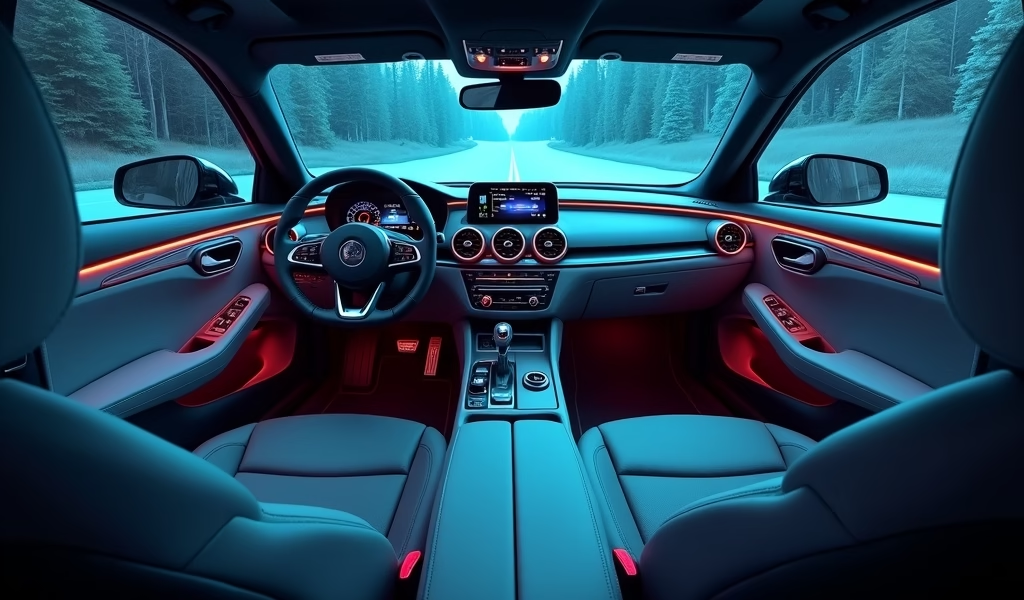
This article provides a complete guide to integrating podcast streaming in vehicles, covering everything from modern factory systems to upgrading older cars, smartphone integration, audio optimization, troubleshooting, safety considerations, and future technology trends. It emphasizes how podcast capability can transform commute time into an enriching experience, with practical advice for different budgets and technical skill levels.
Table of Contents
- The Podcast Revolution: Transforming Your Daily Commute
- Podcast Streaming in Modern Vehicles: Factory Options
- Upgrading Older Vehicles for Podcast Streaming
- Smartphone Integration: The Heart of Car Podcast Systems
- Optimizing Your Car’s Audio System for Podcast Clarity
- Troubleshooting Common Podcast Streaming Issues
- Safety Considerations While Streaming Podcasts
- Future Technology: What’s Next for In-Car Podcasts
- Conclusion: Transforming Your Drive Time
- Frequently Asked Questions
The Podcast Revolution: Transforming Your Daily Commute
Podcast streaming capability has revolutionized how we experience our time behind the wheel. Remember when your only options were FM radio or the same six CDs in your changer? Those days are firmly in the rearview mirror. As a mechanic who’s witnessed this transformation firsthand, I’ve helped countless drivers upgrade their vehicles to embrace this audio revolution.
The average American spends nearly an hour commuting daily—that’s over 200 hours annually that can now be filled with fascinating conversations, compelling stories, or valuable learning. Whether you’re driving a brand-new Tesla or a trusty 2005 Corolla, podcast capability can transform those “wasted” driving minutes into the most enriching part of your day.
What makes podcast streaming different from traditional radio is the personalization and control. You choose exactly what you want to hear, when you want to hear it. No more catching the middle of a show or sitting through commercials. It’s your car, your time, and now, your personal audio experience.
Podcast Streaming in Modern Vehicles: Factory Options
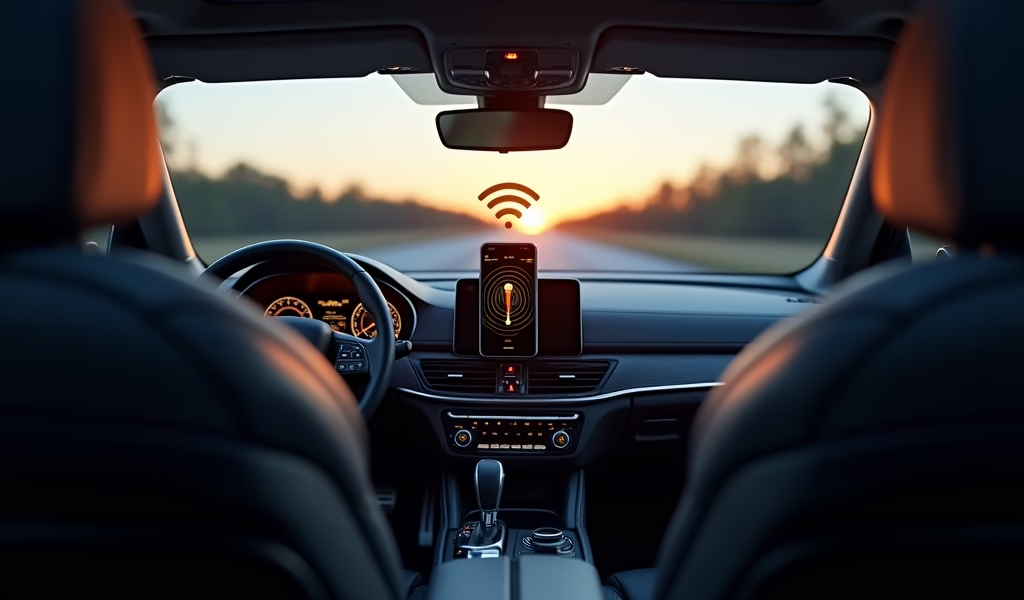
If you’re driving a vehicle manufactured in the last 5-7 years, chances are good you already have podcast streaming capability built right in. Most modern infotainment systems come equipped with Apple CarPlay or Android Auto compatibility, which seamlessly integrate with popular podcast apps on your smartphone.
Premium manufacturers like Tesla, BMW, and Mercedes-Benz often include dedicated podcast apps directly in their infotainment systems. These native solutions typically offer better integration with steering wheel controls and voice commands. The sound quality through factory premium audio systems can be exceptional, especially in luxury vehicles with acoustic cabin design.
Key Features to Look For:
- Touchscreen display with app integration
- Voice command capabilities
- Steering wheel controls for easy navigation
- Bluetooth with A2DP audio streaming protocol
- USB ports for direct connection and charging
- Dedicated podcast or audio apps in the infotainment system
Even mid-range vehicles from manufacturers like Honda, Toyota, and Ford now offer impressive podcast streaming solutions. According to a Consumer Reports study, infotainment system quality has become a major factor in vehicle satisfaction ratings, with podcast and audio streaming capability ranking as a top priority for many buyers.
If you’re shopping for a new vehicle, don’t just take the salesperson’s word that the system “has Bluetooth.” Ask for a demonstration of how the podcast integration works, test the voice commands, and check how intuitive the controls are. Some systems look great on paper but prove frustrating in daily use.
Upgrading Older Vehicles for Podcast Streaming
Don’t worry if you’re driving an older model—some of the most satisfying work I do involves helping people modernize beloved older vehicles with podcast capability. There’s something deeply satisfying about bringing 21st-century technology to a well-maintained classic.
The simplest and most affordable solution is a Bluetooth FM transmitter that plugs into your 12V socket (formerly known as the cigarette lighter). These devices create a local FM signal that your car radio can tune into, effectively adding Bluetooth to any vehicle with a working radio. Quality varies widely, so look for models with dedicated power chips and digital displays, which typically range from $20-40.
For a more integrated solution, aftermarket head units offer a dramatic upgrade. Brands like Pioneer, Kenwood, and Sony offer excellent double-DIN receivers with Apple CarPlay and Android Auto starting around $300, plus installation. These provide a factory-like experience with touchscreens, voice commands, and superior sound quality.
Budget-Friendly Upgrade Options:
- Bluetooth FM transmitters ($20-40): Plug-and-play solution, no installation required
- Bluetooth receivers with AUX input ($30-60): Better sound quality than FM transmitters
- Single-DIN Bluetooth receivers ($80-150): Direct replacement for factory radio
- Double-DIN multimedia receivers ($200-600): Complete infotainment replacement with touchscreen
When considering upgrades, don’t overlook the importance of sound quality. Podcast clarity depends heavily on midrange frequencies where human voices reside. If your speakers are old and worn, even the best receiver won’t help much. A basic speaker upgrade ($100-200) can dramatically improve voice clarity.
I recently helped a customer with a 2001 Toyota Camry who was hesitant to spend money on his aging vehicle. We installed a modest Bluetooth-capable head unit and replaced the worn-out front door speakers. He called a week later to say his 40-minute commute had become something he actually looked forward to, all for less than $250 in parts and labor.
Smartphone Integration: The Heart of Car Podcast Systems
Your smartphone is the backbone of any podcast system, regardless of your vehicle’s age or features. Understanding how to optimize this connection can dramatically improve your listening experience. The best podcast setup is one that requires minimal handling of your phone while driving.
Apple CarPlay and Android Auto have revolutionized in-car podcast listening by providing simplified, driver-friendly interfaces. These systems display optimized versions of your phone’s podcast apps directly on your car’s screen. If your vehicle or aftermarket stereo supports either system, I strongly recommend using them rather than standard Bluetooth connections.
Top Podcast Apps for Car Listening:
- Spotify: Excellent integration with most car systems, smart playlists
- Apple Podcasts: Seamless CarPlay integration, good voice command support
- Pocket Casts: Auto-download features and intelligent playlist management
- Overcast: Voice boost technology normalizes volume across different podcasts
- Google Podcasts: Strong Android Auto integration, simple interface
A dedicated phone mount positioned within easy view but not blocking critical sight lines is essential for safe operation. Magnetic mounts offer the easiest one-handed operation, while wireless charging mounts solve two problems at once, keeping your phone powered while driving.
Pro tip: Before heading out, set your podcast app to automatically download new episodes of your favorite shows. This ensures you’ll have fresh content even in areas with poor cellular coverage and saves on mobile data usage. Most podcast apps allow you to specify which shows should download only on WiFi to preserve your data plan.
Optimizing Your Car’s Audio System for Podcast Clarity
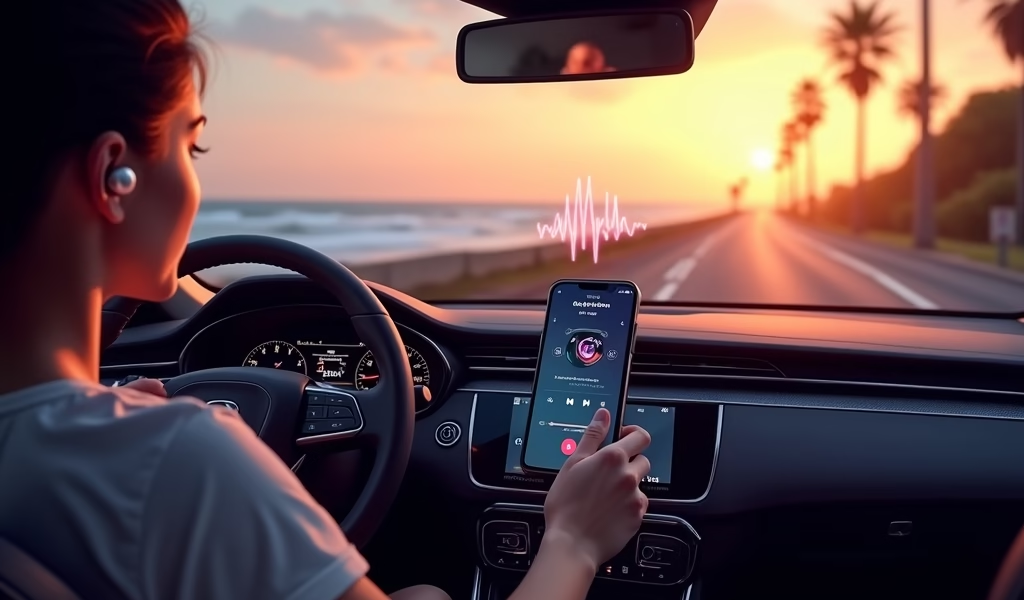
Here’s something many drivers miss: the audio settings that sound great for music often make podcasts harder to understand. As a technician who’s tested hundreds of car audio systems, I can tell you that a few simple adjustments can dramatically improve podcast clarity.
Music and podcasts demand different things from your car’s audio system. Music benefits from rich bass and dynamic range, while podcast clarity depends primarily on midrange frequencies where human voices reside. Many premium audio systems actually introduce subtle distortion that enhances music but can muddy spoken word.
Quick Audio Adjustments for Better Podcast Sound:
- Reduce bass levels by 2-3 points (too much bass can mask spoken word)
- Increase midrange frequencies slightly for better voice clarity
- Adjust treble to preference, but avoid excessive settings that can cause listening fatigue
- Disable any “concert hall” or heavy reverb effects
- If available, activate any “News” or “Voice” EQ presets
Road noise presents another challenge for podcast listeners. If you’re struggling to hear over highway noise, consider having your door seals inspected. Worn weatherstripping can dramatically increase road noise. For a more permanent solution, adding sound deadening material to doors and floor pans can create a quieter listening environment. Products like Dynamat can reduce road noise by up to 30% when properly installed.
For those driving older vehicles with limited audio adjustability, consider a small powered amplifier designed for voice clarity. These compact units can be wired between your stereo and speakers to boost the frequencies most important for podcast listening, typically costing $50-100.
Troubleshooting Common Podcast Streaming Issues
After years of helping customers with podcast streaming setups, I’ve identified several common issues that plague in-car listening. Most problems fall into three categories: connectivity issues, audio quality problems, and app functionality. Let’s tackle each one with practical solutions.
Connectivity Problems:
- Intermittent Bluetooth disconnections: Update your phone’s operating system and clear paired devices from your car system before repairing
- CarPlay/Android Auto not connecting: Check your USB cable—they degrade over time and cause mysterious connection issues
- Wireless connection dropping: Position your phone away from metal objects and other electronics that can cause interference
- System not recognizing phone: Restart both your phone and car’s infotainment system (yes, the classic “turn it off and on again” often works)
Audio Quality Issues:
- Static or interference: Check charging cables for damage—cheap chargers often introduce noise into audio systems
- Volume too low: Ensure your phone’s media volume is maximized and control volume through your car
- Distorted audio: Lower bass settings and check if your speakers need maintenance or replacement
- Echo or hollow sound: Disable any spatial audio effects or equalizer settings that might be processing the audio
If you’re experiencing persistent issues with a factory system, check if there are firmware updates available. Many manufacturers release updates that specifically address audio streaming problems. These updates can sometimes be installed by the owner, though some require dealer assistance.
For aftermarket systems, verify you have the latest firmware installed. Many modern receivers can be updated via USB thumb drive, and these updates frequently resolve connectivity and performance issues with newer smartphones.
Safety Considerations While Streaming Podcasts
As much as I love helping customers enhance their audio experience, safety always comes first in any vehicle modification. Podcast listening is generally safer than many other in-car activities since it doesn’t require visual attention, but there are still important safety considerations to keep in mind.
Set up your podcast queue before putting the car in motion. Most podcast apps allow you to create playlists or queues that can play continuously without requiring you to browse for new episodes. Take advantage of these features while parked to minimize distraction while driving.
Safety Tips for Podcast Listening:
- Use voice commands whenever possible to control playback
- Set up auto-play features to minimize handling your device
- Position phone mounts where they don’t obstruct important views
- Learn your steering wheel controls to manage audio without looking away from the road
- Consider single-ear Bluetooth headsets in older vehicles with poor audio (where legal)
Be aware that distracted driving laws vary by state and country. While podcast listening is generally permitted, the act of selecting episodes or handling your phone might violate local regulations. Many regions have strict hands-free requirements that apply even when stopped at traffic lights.
For those with hearing impairments or who drive with passengers who may not share your podcast interests, consider a single-ear Bluetooth solution. These allow you to stay connected to both your audio and the important sounds around you, including emergency vehicles and car horns.
Future Technology: What’s Next for In-Car Podcasts
Having worked in automotive technology for years, I’m excited about what’s coming next for in-car podcast capability. The integration between vehicles and audio content is evolving rapidly, with several promising technologies on the horizon.
5G connectivity will enable higher-quality streaming even in rural areas, reducing buffering and improving sound quality. Several automakers are developing systems that automatically adjust streaming quality based on available bandwidth, ensuring uninterrupted listening even as you travel through areas with varying coverage.
Voice assistant technology is becoming increasingly sophisticated, allowing for natural language podcast search and playback control. Imagine simply saying, “Play the latest episode about electric vehicle maintenance” and having your system find relevant podcast episodes without needing to specify exact show names.
Emerging Podcast Technologies:
- AI-driven content recommendations based on driving patterns and preferences
- Integrated podcast discovery tools that suggest new shows during your commute
- Advanced noise-cancellation systems specifically optimized for voice clarity
- Synchronized podcast experiences between multiple vehicles for road trips
- Smart resumption that automatically pauses when you receive calls or arrive at destinations
Several automotive companies are also developing advanced audio systems specifically optimized for spoken word content. These systems use intelligent processing to enhance voices and suppress road noise, creating an immersive listening environment even in modestly priced vehicles.
For electric vehicle owners, the integration between podcast listening and charging stops is particularly interesting. New systems are beginning to suggest podcast episodes that match the duration of your charging session, turning potentially frustrating waiting time into an enjoyable and productive experience.
Conclusion: Transforming Your Drive Time
Podcast streaming capability has fundamentally changed what it means to drive. What was once dead time is now an opportunity for entertainment, education, and personal growth—all while keeping your eyes on the road. Whether you’re driving a brand-new vehicle with built-in podcast integration or a beloved older model with a clever adapter solution, the world of audio content is more accessible than ever.
As a mechanic who’s helped countless customers upgrade their podcast streaming capability, I’ve witnessed firsthand how this seemingly small enhancement can transform people’s relationship with their vehicles and their commutes. The joy of finding the perfect podcast for your drive shouldn’t be underestimated.
Remember that the best podcast setup is one that works for your specific needs and driving habits. There’s no one-size-fits-all solution, but with the options we’ve discussed—from simple Bluetooth adapters to complete infotainment upgrades—there’s a perfect match for every vehicle and budget.
I encourage you to experiment, upgrade where it makes sense, and most importantly, discover the podcasts that make your time behind the wheel something to look forward to. Happy listening and safe driving!
Frequently Asked Questions
How can I add podcast streaming to my car without Bluetooth?
Use an FM transmitter that plugs into your 12V socket or a cassette adapter if you have a tape deck. Both options allow you to connect your phone to your existing car stereo without Bluetooth capability.
Does streaming podcasts use a lot of mobile data?
Podcasts typically use about 60MB per hour at standard quality, which is much less than music or video streaming. Download episodes on WiFi before your commute to eliminate mobile data usage entirely.
Why does my podcast audio cut out when I’m driving?
Intermittent cutting usually indicates Bluetooth interference or poor cellular coverage affecting streaming. Try downloading episodes in advance and check if your phone case or location in the vehicle is causing Bluetooth interference.
Are voice commands safe to use for controlling podcasts while driving?
Voice commands are significantly safer than manual controls while driving as they keep your hands on the wheel and eyes on the road. Practice common commands when parked to become comfortable with the system.
Which cars have the best built-in podcast streaming systems?
Tesla, BMW, Mercedes, and vehicles with newer versions of Apple CarPlay or Android Auto consistently rank highest for podcast integration. Look for models with advanced voice control and dedicated podcast apps in their native systems.