
Overview
Just when you think you’re fully charged for that morning meeting, your Lightning shows 23% battery—a scenario this guide helps you avoid by detailing the truck’s charging system components, common issues, and preventative maintenance. From cleaning charge ports and updating software to recognizing warning signs and knowing when to seek professional help, this article provides essential knowledge to protect your investment and prevent costly repairs to Ford Lightning’s complex charging system.
Table of Contents
- Understanding Ford Lightning Charging System
- Common Charging Issues
- Warning Signs of Charging Problems
- Root Causes of Charging Problems
- Preventative Maintenance Tips
- DIY Troubleshooting vs. Professional Service
- What to Expect for Repair Costs
- Common Mistakes Lightning Owners Make
- Protecting Your Investment
- Frequently Asked Questions
Understanding Ford Lightning Charging System
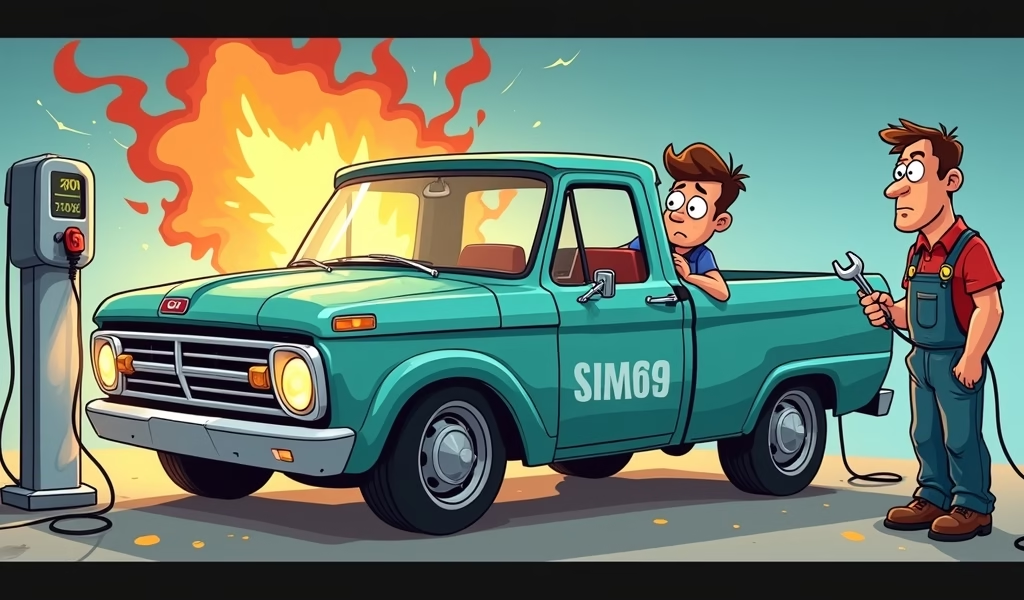
Imagine this: It’s Monday morning, you’ve got a crucial meeting, and despite being plugged in all night, your Ford Lightning shows only 23% charge. That sinking feeling in your stomach? I’ve seen it on countless faces in my shop.
The Ford Lightning’s charging system is the lifeline of your electric truck. When it works properly, it’s something you barely think about. When it fails, your day grinds to a halt.
At its core, the Lightning’s charging system has four main components working together. The onboard charger converts AC power from your outlet to DC power your battery can use. The charge port physically connects your truck to power sources. The Battery Management System (BMS) acts like the brain, monitoring everything from temperature to charging rates. And finally, there’s the massive high-voltage battery pack itself.
You’ve got three main charging options with the Lightning. Level 1 is your standard 120V home outlet, adding about 3-4 miles of range per hour – painfully slow but better than nothing. Level 2 uses 240V power (like your dryer outlet) and adds 15-30 miles per hour depending on your setup. DC Fast Charging is the speed king, capable of adding up to 54 miles in just 10 minutes at compatible stations.
Understanding this system isn’t just technical trivia – it’s essential knowledge that helps you identify problems before they leave you stranded or facing technical service bulletins that could have been avoided.
Common Charging Issues
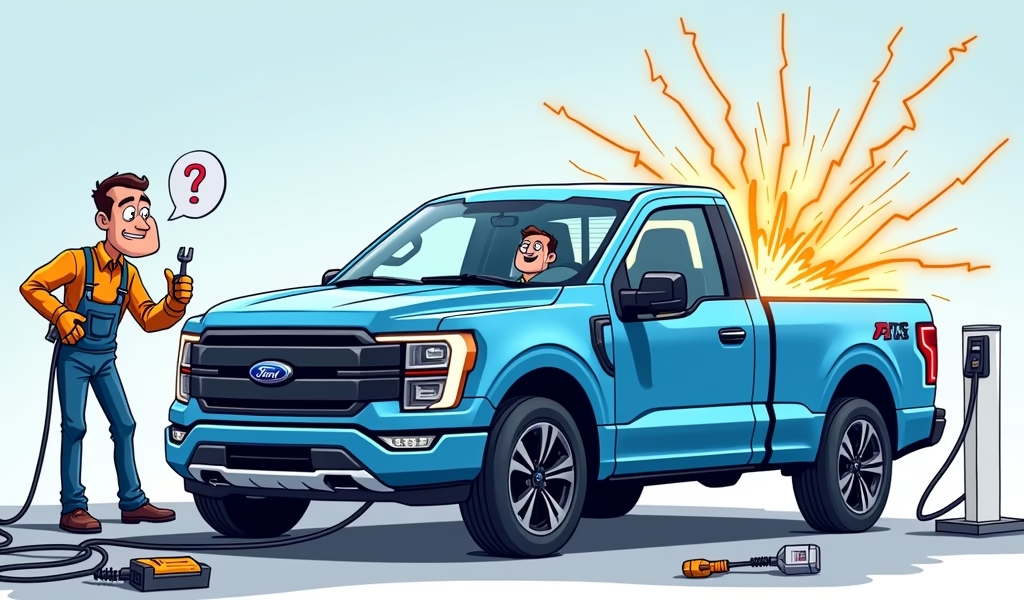
After working on dozens of Lightnings, I’ve seen patterns emerge. Certain charging problems show up more frequently than others, and knowing what to look for can save you significant headaches.
Connection issues at the charge port top the list. This can be as simple as dirt in the port or as complicated as damaged connection pins. Either way, the result is the same: your truck thinks it’s charging when it’s really not.
Software glitches follow close behind. The Lightning relies heavily on software to manage charging, and sometimes updates or system bugs can interrupt normal charging functions. I’ve seen trucks that suddenly limit charging speeds after a software update, only to return to normal after a system reset.
BMS failures are less common but more frustrating. When the system that manages your battery health malfunctions, it might unnecessarily limit charging speeds or stop charging completely before reaching full capacity.
Onboard charger problems tend to be more serious. This component handles tremendous power every time you charge, and when it fails, you’re typically looking at a dealer visit. Signs include severe overheating during charging or drastically reduced charging speeds across all charging stations.
The portable charger that comes with your truck can also cause issues. They occasionally overheat or stop functioning, particularly in extreme temperatures. Ford explicitly warns against using extension cords with these, something many owners ignore to their detriment, according to Ford’s official charging guidelines.
Home charging station compatibility rounds out the common culprits. Not all Level 2 chargers play nicely with the Lightning, even if they meet technical standards. This typically manifests as charging that repeatedly stops and starts or unexpectedly slow charging speeds.
Warning Signs of Charging Problems
The beauty of electric vehicles is that they’re usually pretty good at telling you when something’s wrong. Your Lightning will give you several warning signs before leaving you stranded if you know what to watch for.
Pay attention to inconsistent charging speeds. If your truck typically charges at a predictable rate with your home setup and suddenly begins charging significantly slower, something’s amiss. This is different from normal variations caused by temperature or starting battery level – I’m talking about dramatic, unexpected drops in charging speed.
Watch the charge port indicator lights. They should follow a consistent pattern when charging properly. Flickering lights or unusual color sequences suggest communication problems between your truck and the charger.
Error messages on your dashboard or FordPass app are the most direct warnings. Messages like “Charge Station Fault,” “Limited Charging Active,” or “Charge System Fault” should never be ignored. These aren’t suggestions – they’re your truck actively telling you something needs attention.
Unexpected charging interruptions provide another clear signal. If charging repeatedly stops and restarts, or terminates well before reaching your preset charge limit, your truck is having trouble maintaining a stable charging session.
Perhaps most concerning is decreased range after “full” charges. If your truck shows 100% charged but delivers significantly less range than usual in similar conditions, your BMS might be misreporting the actual state of charge.
Unusual noises during charging should raise immediate concerns. The process should be relatively quiet. Buzzing, clicking, or high-pitched whining – especially if they’re new or louder than before – could indicate problems with the onboard charger or cooling systems.
Root Causes of Charging Problems
Understanding what’s actually causing your charging problems helps you prevent them and communicate more effectively with technicians when service is needed.
Software bugs and outdated firmware cause more issues than you might expect. Your Lightning is essentially a computer on wheels, and like any computer, its software occasionally develops glitches. Ford has released several firmware update notifications specifically addressing charging system bugs.
Physical damage to charging components is surprisingly common. The charge port is exposed to the elements and can be damaged by improper connector insertion, impacts, or road debris. Internal components can be damaged by power surges or vibration over time.
Temperature extremes significantly impact charging. Both hot and cold temperatures affect battery chemistry and charging capabilities. Below freezing, your charging speed may drop by 30-50%. The BMS is programmed to protect the battery in these conditions, sometimes limiting charging speeds more than owners expect.
Electrical system incompatibilities cause frustrating issues that seem to come and go. Some home electrical systems, especially older ones, may have grounding issues or voltage fluctuations that the Lightning’s sensitive charging system detects as problematic.
Manufacturing defects have affected some early production Lightnings. Ford has addressed many of these through technical service bulletins, but not all owners are aware of available fixes.
Power grid fluctuations can trigger protective measures in your charging system. Unstable power, particularly in rural areas or during peak usage times, can interrupt charging or cause the truck to reduce charging speeds.
Preventative Maintenance Tips
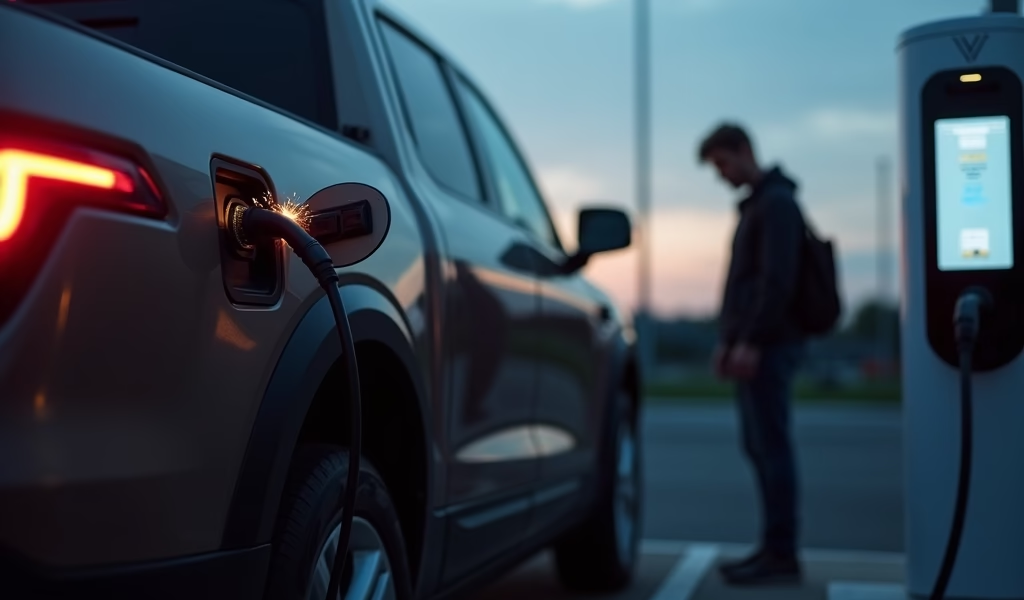
An ounce of prevention is worth a pound of cure, especially when it comes to your Lightning’s charging system. These simple maintenance habits can save you thousands in potential repairs.
Regularly inspect your charge port and cables for damage, corrosion, or debris. This takes 10 seconds but can prevent major headaches. Look for bent pins, cracks, or discoloration that might indicate heat damage.
Keep your software and firmware updated. Don’t ignore those update notifications. Ford regularly releases software flash procedure updates that address charging issues before they become problematic for you.
Follow proper charging practices. Avoid regularly depleting your battery below 20% or consistently charging to 100% if not needed for immediate travel. For daily use, charging to 80-90% maximizes battery life and reduces stress on the charging system.
Clean the charge port periodically. Use compressed air for dust removal, and for stubborn dirt, try a soft brush or cotton swab slightly dampened with isopropyl alcohol. Just ensure the port is completely dry before charging.
Protect your charging equipment from environmental factors. Consider a charge port cover for additional protection when not charging, especially if you park outdoors or in dusty environments. Keep your mobile charger stored in a clean, dry location rather than bouncing around in your truck bed.
If you live in an area with frequent power fluctuations, consider investing in a surge protector specifically designed for EV charging. These devices, while not cheap, can prevent damage to your onboard charger from electrical spikes, as recommended by the Department of Energy.
DIY Troubleshooting vs. Professional Service
Not every charging issue requires a trip to the dealer. Many common problems can be diagnosed and fixed right in your driveway, while others definitely need professional attention.
Start with these safe DIY diagnostic steps:
- Try a different charging location to rule out power source problems
- Inspect cables and connections for obvious damage
- Check for and clear debris from the charge port
- Perform a vehicle power cycle (complete shutdown and restart)
- Check for software updates via the FordPass app
Several simple fixes fall within most owners’ capabilities:
- Cleaning the charge port with compressed air
- Resetting the onboard computer by disconnecting the 12V battery (following proper procedures)
- Updating software through the FordPass app
- Adjusting charge settings that might be limiting your charging rate
However, some situations absolutely require professional help:
- Any high-voltage component issue
- Physical damage to the charge port or internal components
- Persistent error messages after attempting basic troubleshooting
- Charging failures across multiple charging stations
When seeking professional help, remember that not all Ford dealerships have technicians equally trained on the Lightning’s systems. Call ahead to confirm they have EV-certified technicians before scheduling service. An inexperienced technician can sometimes create more problems than they solve with these complex systems.
What to Expect for Repair Costs
If you do need professional repairs, it helps to have a realistic budget in mind. The costs can vary dramatically depending on what’s wrong.
Software updates and recalibrations generally run $100-200 when not covered under warranty. This is mostly labor cost for diagnostic time and computer connection.
Charge port replacements are among the more common repairs, averaging $600-900 including parts and labor when not under warranty. The part itself isn’t terribly expensive, but access requires removing several components.
Onboard charger repairs represent a significant expense, typically running $1,500-2,500 for parts and labor. This is a complex repair involving high-voltage components and multiple hours of labor.
Battery Management System service costs vary widely from simple software recalibration ($150-300) to complete replacement of control modules ($800-1,200). Diagnosis is critical here – what seems like a BMS issue could sometimes be fixed with a simple update.
For many of these issues, warranty coverage applies. Ford provides an 8-year/100,000-mile warranty specifically for electric vehicle unique components, including the charging system. This is significantly better than the basic bumper-to-bumper warranty.
If you’re outside warranty coverage, check if your insurance might help. Some comprehensive auto insurance policies cover charging system repairs if they resulted from events like power surges or accidents.
Common Mistakes Lightning Owners Make
In my years working with Lightnings, I’ve seen owners make the same mistakes repeatedly. Avoid these errors to save yourself significant headaches and expense.
Ignoring early warning signs tops the list. That occasional charging hiccup is easy to dismiss, but intermittent problems often become consistent failures. Document even minor irregularities for patterns.
Using incompatible charging equipment is surprisingly common. While the Lightning can technically charge from many standard J1772 connectors, not all third-party equipment functions optimally. Stick with Ford-recommended chargers when possible.
Skipping software updates leaves your truck vulnerable to known issues that have already been fixed. Make time for updates when they become available – they’re not just adding features, they’re often fixing problems you haven’t encountered yet.
Improper charging habits damage systems over time. Using extension cords with the mobile charger, charging in extreme weather without precautions, or repeatedly unplugging without using the release button all increase wear on critical components.
DIY repairs on high-voltage components are rarely worth the risk. Not only can they be dangerous, but unauthorized modifications often void warranty coverage. The potential savings rarely outweigh the risks to both you and your truck.
Protecting Your Investment
Your Ford Lightning represents a significant investment in cutting-edge technology. With proper care and understanding, the charging system will serve you reliably for years to come.
The most effective preventative measures don’t require special tools or expertise – just awareness and good habits. Keep ports clean, stay current with updates, use quality equipment, and address minor issues before they evolve into major problems.
Document everything – even issues that seem to resolve themselves. This creates a service history that proves invaluable for warranty claims or when troubleshooting intermittent problems with technicians.
Remember that electrical safety should always be your priority. If you notice unusual heat, burning odors, or visible damage during charging, disconnect safely if possible and seek professional help.
By understanding your Ford Lightning’s charging system and following these guidelines, you’ll not only avoid costly repairs but also maximize the convenience and reliability that made you choose an electric truck in the first place. Your Lightning can be a dependable partner for many years – with just a little attention to its charging needs.
Frequently Asked Questions
Why does my Ford Lightning stop charging at 80%?
This is often an intentional setting to preserve battery health. Check your charge settings in the FordPass app or vehicle menu to adjust the limit if needed.
How much does it cost to replace the onboard charger?
Replacing the onboard charger typically costs $1,500-2,500 out of warranty. This component is covered under Ford’s 8-year/100,000-mile electric vehicle component warranty.
Can extreme weather affect my Lightning’s charging?
Yes, significantly. Cold weather below 20°F can reduce charging speeds by 30-50%, while extreme heat may cause the system to limit charging to protect the battery.
Is it normal for the charging cable to feel warm?
Mild warmth in the charging cable and connector is normal during charging. However, if it becomes too hot to comfortably hold or you notice any melting or burning smell, disconnect immediately.
How often should I update my truck’s software?
Install software updates as soon as they become available. These updates often include critical fixes for charging system bugs and performance improvements.