

Overview
Just when you thought your Tesla’s sleek touchscreen couldn’t betray you, the dreaded MCU failure can leave you staring at a black mirror instead of your vehicle controls—primarily affecting Model S vehicles from 2012-2018 due to a finite-lifespan eMMC chip that wears out from excessive data logging. Owners can watch for warning signs like yellow screen borders and system lag, then choose between Tesla’s official replacement (costing $1,800-$2,500), third-party repairs ($700-$1,800), or checking eligibility under Tesla’s extended 8-year warranty and recall program that covers approximately 135,000 affected vehicles.
Table of Contents
- Understanding the Tesla MCU
- Warning Signs of MCU Failure
- Why Tesla MCUs Fail
- Preventive Measures
- Repair Options
- DIY vs. Professional Repair
- Costs to Expect
- Warranty Considerations
- Conclusion
- Frequently Asked Questions
Understanding the Tesla MCU
Picture this: you’re cruising down the highway in your Tesla Model S when suddenly that beautiful 17-inch touchscreen goes completely black. No navigation, no climate controls, no music—just an unresponsive black mirror where your car’s command center used to be. This nightmare scenario is what Tesla owners know as the dreaded MCU failure.
The Media Control Unit (MCU) is essentially the brain of your Tesla’s infotainment system. Unlike traditional cars with separate buttons and knobs, Tesla consolidated almost all controls into this single computer system. When it fails, you lose access to much more than just your radio.
Your MCU controls:
- Climate settings (temperature, fan speed, seat heaters)
- Navigation system
- Media playback and streaming services
- Backup camera
- Vehicle charging settings
- Most vehicle customization options
The issue primarily affects Model S vehicles produced between 2012 and 2018, which use what’s known as the MCU1 system. This earlier version uses an NVIDIA Tegra processor and, importantly, an 8GB eMMC memory chip that’s particularly prone to failure. Tesla later switched to the improved MCU2 system with Intel processors in newer models.
Understanding that the MCU is separate from the system that actually drives the car is important. Even with a completely dead screen, your Tesla will still drive—you’ll just be missing most of the bells and whistles that make electric cars work in such a unique and convenient way.
Warning Signs of MCU Failure
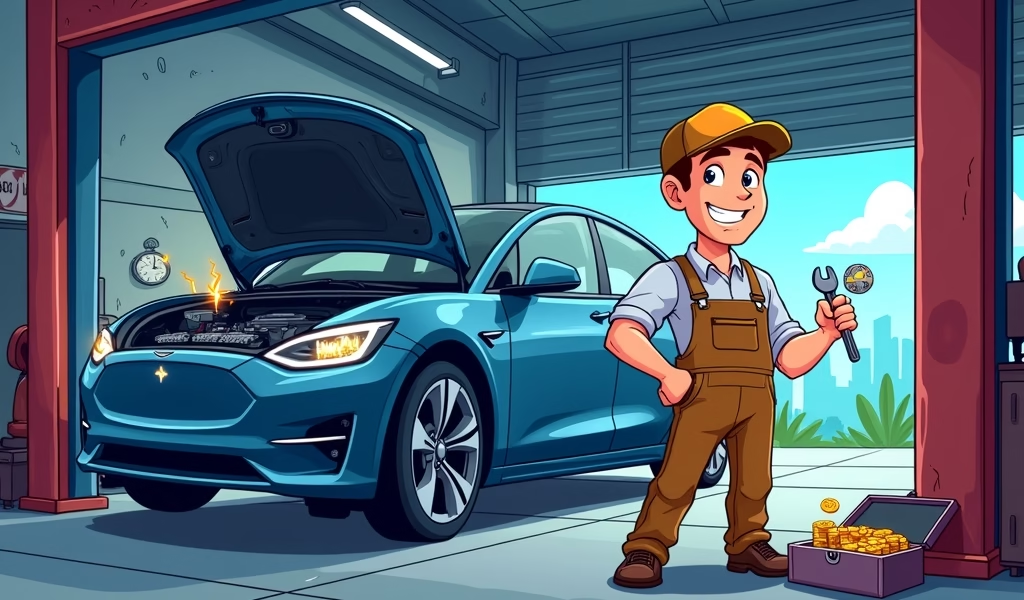
Your Tesla will usually give you plenty of warning before the MCU completely fails. Catching these signs early can save you from being stranded and potentially reduce repair costs:
Early Warning Symptoms
- Yellow borders appearing around the edge of your touchscreen
- Sluggish response when using the touchscreen
- Screen freezing or becoming unresponsive
- Random reboots (screen going black, then showing the Tesla logo)
- Backup camera delays or failures
- Bluetooth connectivity issues
The yellow border is particularly telling—Tesla technicians often refer to this as the “yellow band of death” because it’s such a reliable indicator that your MCU is beginning to fail. This border appears when the MCU is having trouble communicating with other vehicle systems.
As issues progress, you might notice the screen taking longer to wake up when you enter the car. Apps might crash, the browser may stop working, or the entire system might need multiple reboots during a single drive. Eventually, these symptoms culminate in the complete black screen—total MCU failure.
Don’t ignore these warning signs! Each reboot puts additional strain on the already failing memory chip, potentially accelerating the breakdown. When you start noticing consistent glitches, it’s time to start planning for repair or replacement.
Why Tesla MCUs Fail
Tesla’s MCU failures aren’t random bad luck—they stem from a specific design issue that affects thousands of vehicles. The primary culprit is the embedded Multi-Media Card (eMMC) flash memory chip on the MCU circuit board.
This 8GB memory chip has a fundamental limitation: flash memory can only handle a finite number of read/write cycles before it begins to degrade. In a normal consumer device like a smartphone, this rarely becomes an issue before the device is replaced for other reasons.
In Tesla’s case, three factors created the perfect storm:
- The MCU logs enormous amounts of data constantly—far more than necessary
- Early Tesla software wrote to the same memory sectors repeatedly
- The temperature inside the dashboard accelerates wear on electronic components
Tesla’s early software was particularly aggressive with logging, writing diagnostic data to the eMMC chip constantly—even when the car was parked! This excessive logging led to premature wear of the memory cells.
Think of it like writing in a notebook with a limited number of pages. If you write a little each day, the notebook lasts for years. But if you frantically scribble on every page multiple times daily, you’ll run out of space much sooner. That’s exactly what happened with Tesla’s MCUs.
The problem was serious enough that in February 2021, Tesla was required to recall approximately 135,000 vehicles specifically to address this issue after an investigation by the National Highway Traffic Safety Administration.
Preventive Measures
While you can’t completely avoid MCU wear if you own an affected Model S, there are several steps you can take to extend its life and potentially save yourself from unexpected failures:
Software Updates
Make sure your Tesla has the latest software updates. Tesla released several updates that reduced logging frequency after recognizing the issue. These updates won’t fix damage that’s already done, but they can slow future wear.
Minimize Usage of Demanding Features
The browser and some third-party apps put additional strain on the MCU. Using these features sparingly can reduce wear. Similarly, streaming music directly instead of using the built-in browser versions of streaming services uses fewer system resources.
Temperature Management
Electronics and heat don’t mix well. When possible, park your Tesla in shaded areas or garages, especially during hot weather. Using the cabin overheat protection feature is also helpful, as it keeps interior temperatures from getting extreme.
Reduce Unnecessary Reboots
While it’s tempting to reboot the system whenever it shows the slightest glitch, each forced reboot creates additional writes to the eMMC. Only reboot when absolutely necessary.
If you own a pre-2018 Model S and haven’t experienced MCU issues yet, consider yourself lucky—but also be proactive. Many electric car beginners don’t realize that preventive maintenance is just as important for electronic components as it is for mechanical parts.
Repair Options
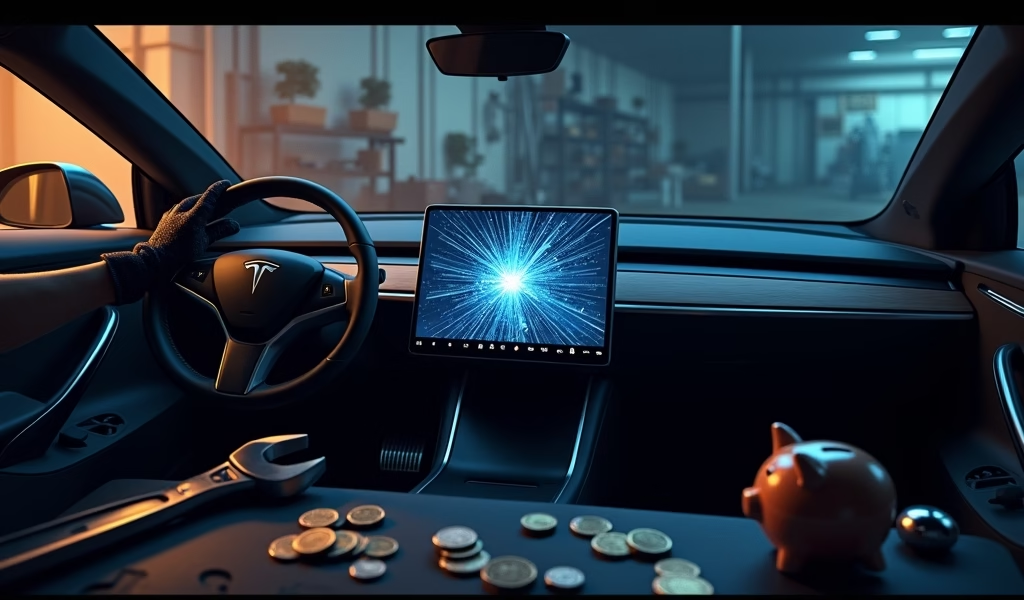
When your MCU starts showing serious symptoms or fails completely, you have several repair options to consider:
Option 1: Tesla Service Center Replacement
The most straightforward (though not cheapest) option is having Tesla replace your MCU. Tesla offers two routes:
- Replace the MCU1 with another MCU1 (not recommended since it will eventually fail again)
- Upgrade to the newer MCU2 system (better long-term solution)
The MCU2 upgrade not only resolves the failure issue but also provides noticeable improvements: faster performance, better graphics, support for video streaming services like Netflix and YouTube, and improved web browsing. This is the best option if you plan to keep your Tesla for years to come.
Option 2: Third-Party Repair
Several specialized Tesla service shops offer MCU repairs at lower costs than Tesla service centers. These typically involve either:
- Replacing just the failed eMMC chip (most economical option)
- Installing a refurbished MCU1 with an upgraded eMMC chip
Companies like Electrified Garage specialize in Tesla repairs and offer eMMC replacements using higher-capacity chips that should last longer than the original components. This option typically costs significantly less than going through Tesla.
Option 3: DIY eMMC Replacement
For the technically adventurous with electronics experience, replacing just the eMMC chip is possible. This involves removing the MCU, desoldering the failed chip, and installing a new one. However, this requires specialized equipment and skills—it’s not a typical weekend DIY project.
Each option has its pros and cons regarding cost, longevity, and warranty implications. The best choice depends on your budget, how long you plan to keep the car, and your comfort with non-Tesla repairs.
DIY vs. Professional Repair
The question many handy Tesla owners ask: “Can I fix this myself?” The short answer is maybe—but it’s not for the faint of heart.
DIY MCU repair requires significantly more technical skill than typical car maintenance. You’re not just changing oil or replacing brake pads; you’re working with sensitive electronics and potentially firmware installation. Using an engine diagnostic app won’t help much with these specialized electronic issues.
What DIY Repair Involves:
- Removing dashboard components to access the MCU
- Disassembling the MCU to reach the circuit board
- Using specialized soldering equipment to replace the eMMC chip
- Potentially restoring firmware and configuration
You’ll need tools most home mechanics don’t have: anti-static workstation, precision electronics screwdrivers, heat gun or hot air rework station, and potentially specialized diagnostic equipment.
The risks are significant. One slip with the soldering iron can damage expensive components. Electrostatic discharge can fry sensitive circuits. And if anything goes wrong, you might end up with a completely non-functional system.
For most owners, professional repair is the wiser choice. The price difference between DIY and professional repair often doesn’t justify the risks involved, especially when you factor in the cost of specialized tools you might need to purchase.
If you’re absolutely determined to try DIY repair, numerous YouTube tutorials and Tesla forums provide detailed guides. Just remember that following these voids any remaining warranty, and mistakes could lead to more expensive repairs down the road.
Costs to Expect
Let’s talk money—what can you expect to pay to fix your Tesla’s MCU issues?
Tesla Service Center Costs
- MCU1 to MCU1 replacement: $1,800-$2,500
- MCU1 to MCU2 upgrade: $2,000-$2,500
While the MCU2 upgrade costs more upfront, it’s generally the better value. You’re getting improved functionality along with the repair, and the newer system is less likely to develop the same issues in the future.
Third-Party Repair Costs
- eMMC chip replacement only: $700-$1,200
- Refurbished MCU installation: $1,200-$1,800
These options can save you significant money compared to Tesla service center prices. Many third-party shops also offer upgraded eMMC chips with larger capacity and better durability than the original components.
DIY Repair Costs
- Replacement eMMC chip: $20-$50
- Specialized tools (if you don’t already own them): $200-$500+
DIY is cheapest in terms of parts, but only if you already have the necessary tools and skills. If you need to purchase equipment, the cost advantage diminishes quickly.
Keep in mind that these prices are approximate and can vary based on location, current parts availability, and labor rates. Always get a detailed quote before proceeding with repairs.
Warranty Considerations
Before paying for MCU repairs out of pocket, check if your vehicle might be covered under warranty or Tesla’s MCU-specific programs:
Standard Warranty Coverage
Tesla’s standard warranty for Model S vehicles is 4 years or 50,000 miles, whichever comes first. If your MCU fails within this period, repairs should be covered at no cost.
Extended Warranty for MCU Issues
After widespread reports of MCU failures, Tesla extended warranty coverage specifically for MCU issues to 8 years with no mileage limit for affected vehicles. This applies even if your standard warranty has expired.
Recall Program
In February 2021, Tesla initiated a recall for approximately 135,000 vehicles with MCU1 systems due to the eMMC wear issue. If your vehicle is included in this recall, Tesla should repair it at no cost to you.
To check if your vehicle is covered under the extended warranty or recall:
- Contact Tesla service through your Tesla app or account
- Provide your Vehicle Identification Number (VIN)
- Ask specifically about MCU warranty coverage and recall eligibility
Even if you’ve already paid for MCU repairs in the past, you might be eligible for partial reimbursement under the recall program. Many owners have successfully recouped some of their repair costs by submitting claims to Tesla with documentation of the previous repairs.
Remember that using third-party repair services might affect your warranty status for other components, so weigh this carefully if your vehicle is still under its general warranty.
Conclusion
The Tesla Model S MCU failure is more than just an inconvenience—it’s a significant issue that affects thousands of vehicles and can leave you without access to many of your car’s features. Understanding the causes, recognizing the warning signs, and knowing your repair options puts you in a much better position to handle this problem effectively.
For owners of 2012-2018 Model S vehicles, being proactive is key. Pay attention to those early warning signs, keep your software updated, and consider preventive measures to extend your MCU’s life. When failure does occur, weigh your repair options carefully based on your budget and how long you plan to keep the vehicle.
The silver lining? Tesla has acknowledged the issue and taken steps to address it through the recall program and extended warranty coverage. And if you do need to upgrade to MCU2, you’ll end up with a faster, more capable system with features your original MCU never had.
Remember that while MCU failure is frustrating, it doesn’t affect the core driving functionality of your Tesla. Your car will still get you from point A to point B—you just might need to adjust the air conditioning before you leave.
Frequently Asked Questions
How do I know if my Tesla has MCU1 or MCU2?
MCU1 was installed in Tesla Model S vehicles from 2012 to early 2018. If your car doesn’t have video streaming apps like Netflix or YouTube, you likely have MCU1.
Can I still drive my Tesla if the MCU fails?
Yes, you can still drive with a failed MCU. Basic driving functions remain operational, but you’ll lose access to most controls and features like climate settings, navigation, and media.
How long does MCU repair or replacement take?
At Tesla service centers, MCU replacement typically takes 1-2 days. Third-party eMMC repairs can sometimes be completed same-day, depending on the shop’s workload.
Will upgrading to MCU2 improve my Tesla’s performance?
Yes, the MCU2 upgrade provides faster touchscreen response, improved web browsing, video streaming capabilities, and better overall system performance. It won’t affect driving performance or range.
Is the MCU failure covered under Tesla’s warranty?
Tesla extended warranty coverage for MCU issues to 8 years regardless of mileage for affected vehicles. Additionally, a recall program covers many vehicles with the eMMC wear issue.